View Calculated On-the-Fly Values
You can view calculated, on the fly, values of a Case at the Element level. This means that for each Element you select, you can view its calculated information.
To view calculated, on-the-fly, values:
Open the Element DetailPanel.
Element Detail Panel - Quick Summary
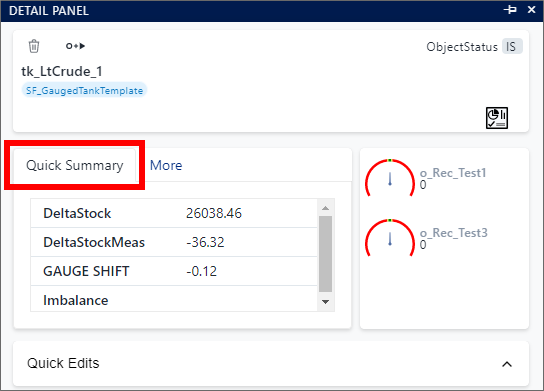
Click the Quick Summary tab.