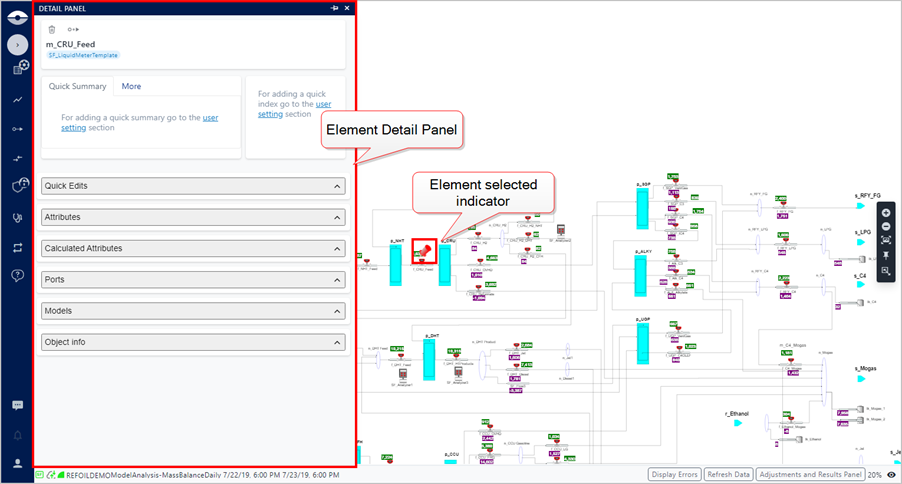
Select an Elements
To delve down into the details of a Case, you may need to review some of its Elements and their related attributes. To do this, you first need to select an Element to review.
To select an Element:
Ensure that you have a Case loaded and displayed in the Display panel.
Case opened in Display panel
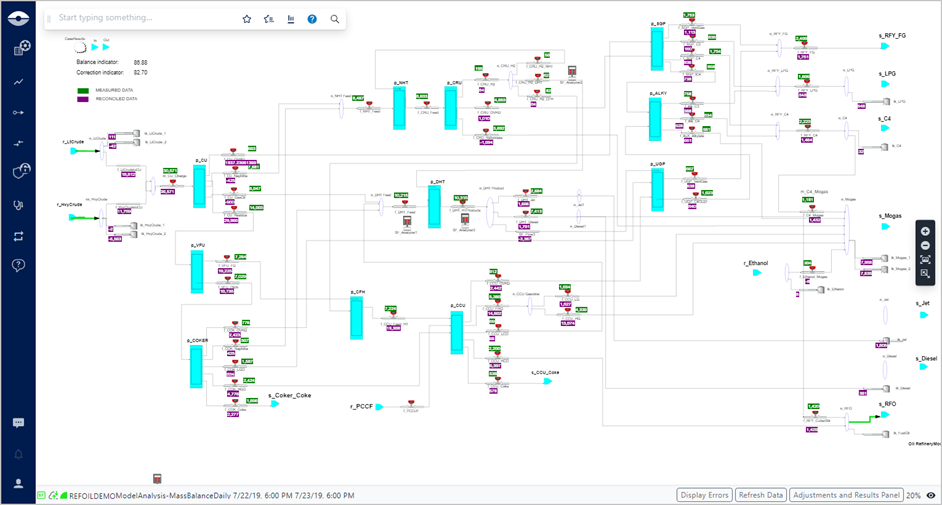
In the Display, locate the Element you want to select.
In lieu of attempting to locate the Element in the Display, you can use the 'Search' feature. See Search for an Element.
Click on the Element to select it.
The Element Details panel opens and a red stick pin indicates the selected Element in the Display panel.