Rearrange Attribute List Column Order
SFHub Visualizer provides a feature that allows you to rearrange the order of the columns that display in the Attributes and Calculated Attributes lists.
To rearrange the order of the columns:
Open the Element Details panel.
Attributes pane example
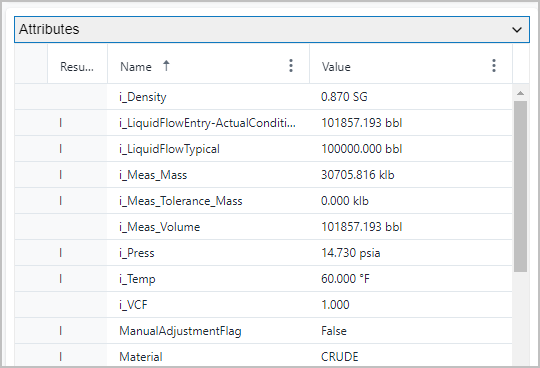
Open the Attributes or Calculated Attributes pane.
Drag column from one location to another
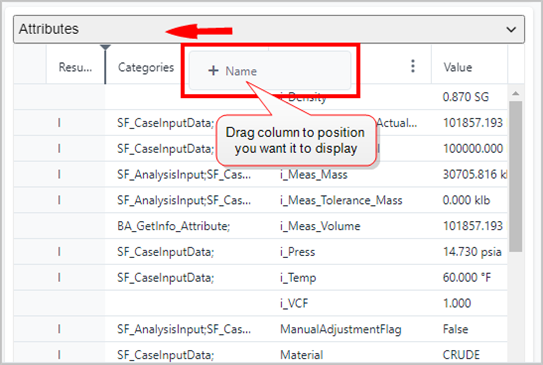
When you see the
 position bar appear, release the mouse button to paste the column in
that position.
position bar appear, release the mouse button to paste the column in
that position.In our example, we are moving the 'Name' column to display before the 'Categories' column.
(Optional) Repeat step 2 for every column you want to move to a different position.