Display Panel
The Display panel is the large panel on the right side of the page. SFHub Visualizer uses it to display the graphical view of a display, along with it's sub-displays (if applicable) and elements.
Display Panel showing a display
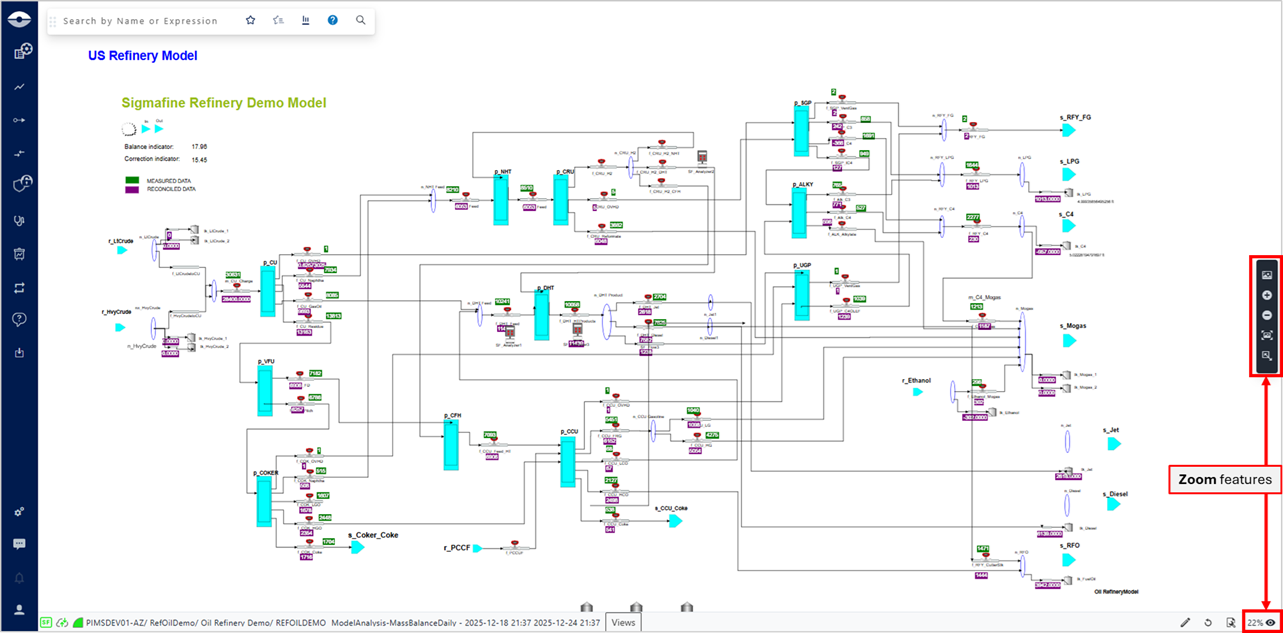
In the Display panel, you can move the view around (referred to as "panning") to show the various areas of it, and use the zoom features or the minimap to focus in on specific areas or zoom out to view the whole display. It also includes a Status bar at the bottom, that shows information about the current display. Please see Pan Around a Display for more details on panning, see Zoom In / Zoom Out for more details on zooming, and see Status Bar for details about the information the status bar contains.