Concurrent Access on Display and Reports
SFHub Visualizer supports concurrent access when multiple users open the same Display or Report.
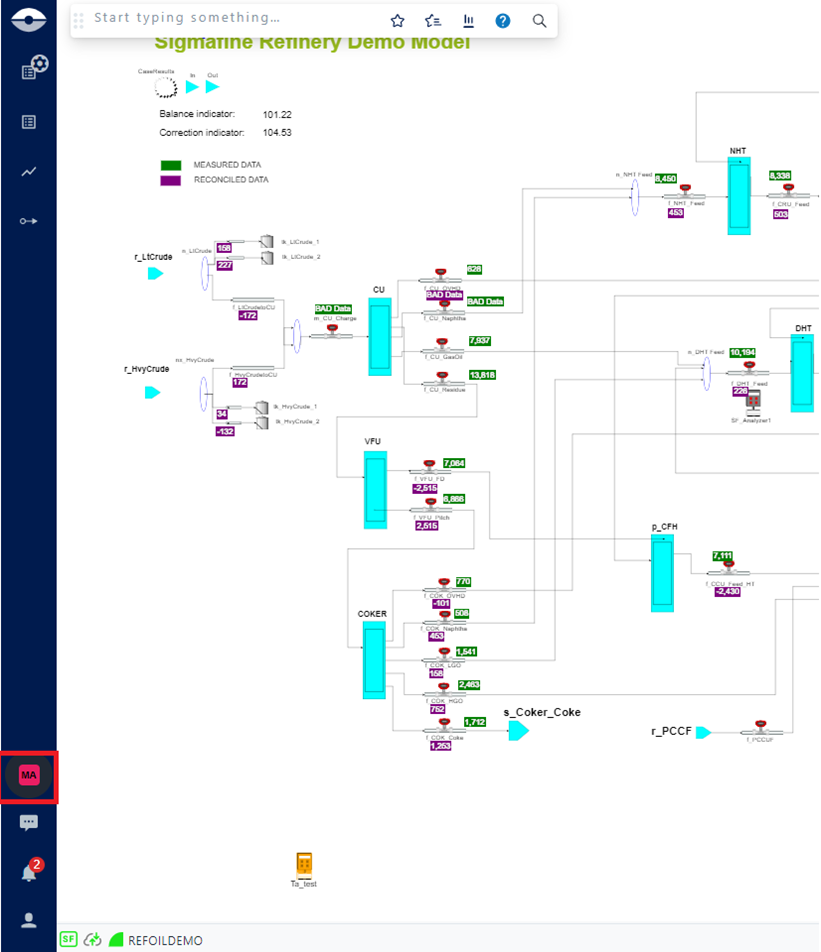
When you open a display or report in SFHub Visualizer, and someone else is viewing or working on the same document, their avatar appears in the command bar (as shown in the following figure).
Avatar showing in command bar
While working with Reports in the case where the document is changed (e.g. the report is edited), each individual using that document is notified of the change and can choose whether or not to undertake a refresh action.
For more details, refer to the Report Panel section topic (How Report Panel Works) in this document.