Open an Element's Report
You can open a report of a Case, at the Element level. This means that for each Element you select, you can view and open its available reports.
To open a report:
Open the Element DetailPanel.
Detail Panel - Element's Report access
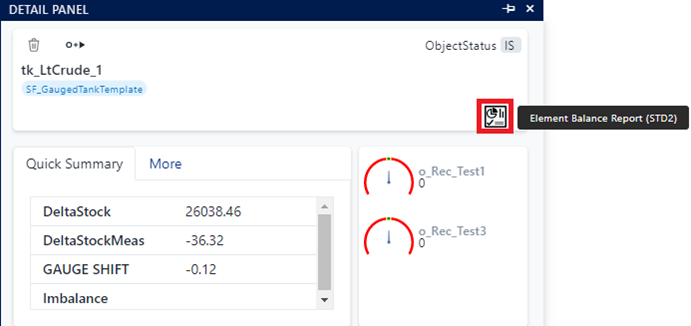
Click the
 Report icon to choose your report of interest.
All reports available for the Element are list to the right of the icon.
Click on the report you want to open.