Display Editor
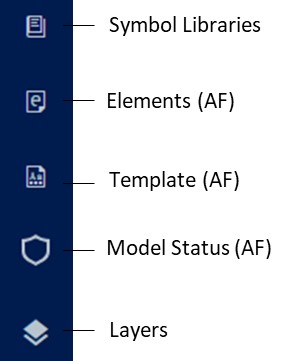
The Display Editor makes available a command bar containing a set of icons according to the type of the opened display.
When an AF display is created or edited, the command icon bar is shown on the screen's left side with five icons and two icons for a Whiteboard display.