Select the Previous Case
When you have a case loaded in the display for which there has been a previous case associated, you can select that previous case from the Cases panel. Please note that not all cases have a previous case associated with them.
To select a previously associated case:
In the left panel, click on the
 Case Search icon.
The Cases panel opens.
Case Panel - Load Previous Case
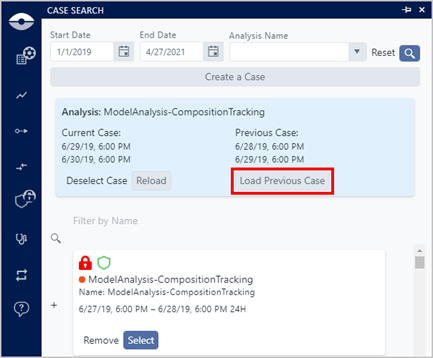
At the top of the Cases list, click on the Load Previous Case button.
The associated previous case is loaded in the display.