Delete a Case
SFHub Visualizer provides the ability to remove a Case you no longer need or want in a display.
To remove a Case:
In SFHub Visualizer, click on the Case Search button to open the Cases panel.
Cases panel - Delete a Case
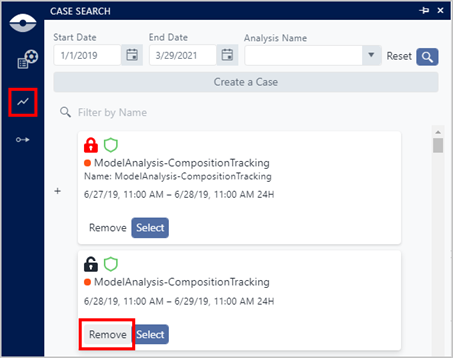
In the Cases panel list, locate the Case you want to delete.
Click on Remove.
You are asked to confirm the deletion, as shown in the following figure.
Case deletion confirmation

Click OK to confirm the removal of the Case.