Refresh Case
When you have a Case loaded in the Display panel, you can refresh the Case display at any point in time using the Reload feature. This feature updates the display of the Case with the most current data.
info
Note that the Reload feature does not apply when you are working with a report.
To refresh a Case from the Case Search panel:
Click on the
 Case Search icon.
The Cases panel opens.
Case Panel - Reload Button
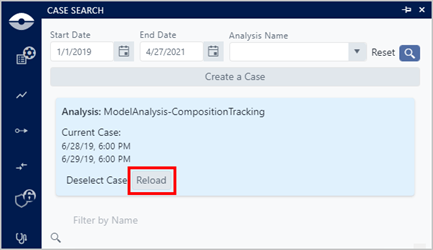
At the top of the Cases panel, it shows the Case you currently have loaded, along with a 'Reload Case' button.
Click the Reload button to reload the Case data to the display.