Auto Draw
The Auto Draw feature facilitates the display building when the Model already contains the connection configuration.
In this case, dragging an Element already connected to another Element in the Model will draw the connector automatically on the display.
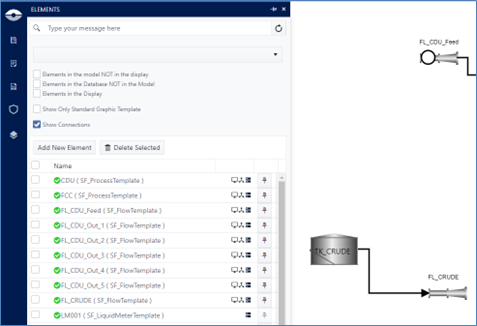
The example below shows a single tank.

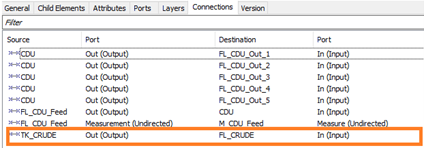
This tank, in the Model, has a connection to a flow (FL_CRUDE):
Dragging the connected flow on the display draws the connector as per below.