Specify TES Settings
TES settings are all configurable through the Transfer Entry System Settings window.
To access the Transfer Entry Settings window:
Run the TES application.
From the main menu, select Task > Administrative Task > TES Settings.
The Transfer Entry System Settings window opens.
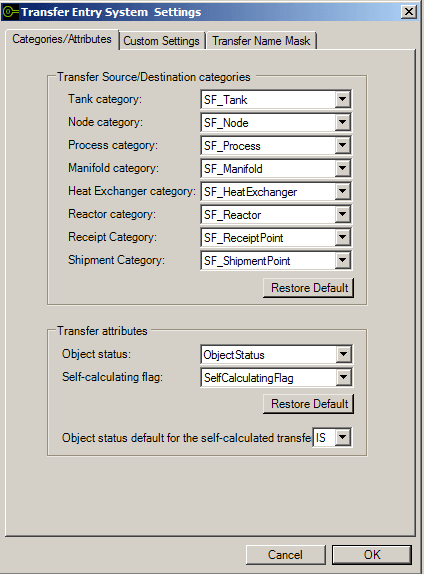
This window is divided into three tabs containing the following features:
Categories/Attributes - allows you to specify which Categories and Attributes are to be available to the TES Operators.
Custom Settings - allows you to specify the following settings:
Set the user interface language
Select US level gauge value presentation
Set initial start and end times
Limit transfer creations to within only the initial start and end time
Publish transfers information to PI
Transfer Name Mask - allows you to create transfer names that are meaningful for the Operators.
To work with any of the above features, please refer to the following individual \topics.