Refresh Case
When you select a case to work with, the case is associated with the display you have selected. The case data are loaded and shown in the display.
If you want to refresh the case data, you can easily do it by following these steps:
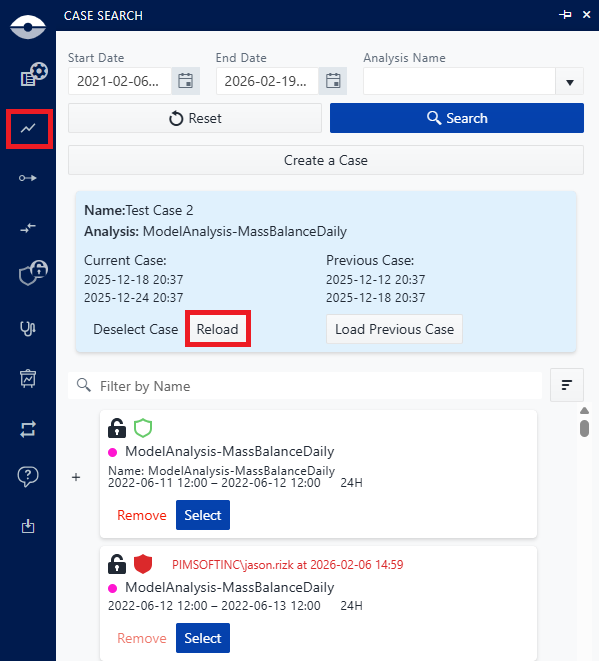
- Click on the Case Sarch icon in the command bar,
- The case search panel opens showing the current case on top of the list,
- Click on Reload button
At the end, the case data is refreshed and shown in the display you have selected. This is equivalend to selecting the same case again, but it is more efficient as it does not require you to select the case from the list again.