Open a Display for Authoring
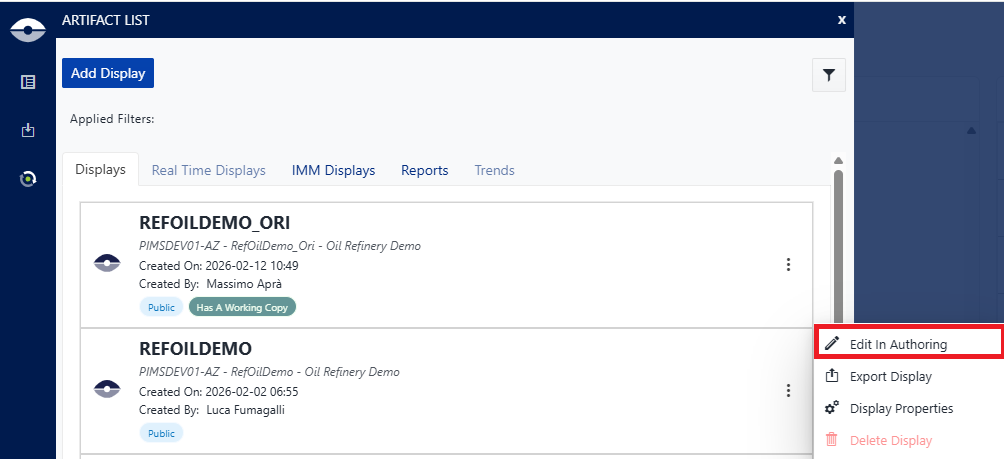
SFHub Visualizer allows you open a display for authoring enabling you to modify the display as well as the Sigmafine model in the database. To open a display in authoring from the Display List - Displays panel click on the edit icon of the display you want modify:
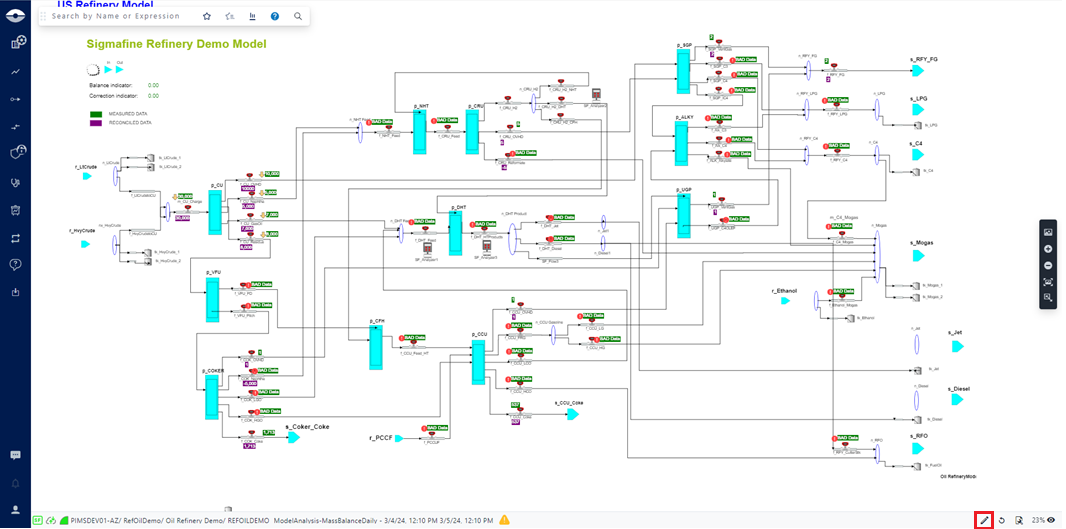
Alternatively, you can open a display in authoring from display status bar clicking on the edit icon.