Locating Elements in a Display
To locate elements in a Display:
Open AF Browser.
Double-click on the element.
The Display pane shifts to expose the element.
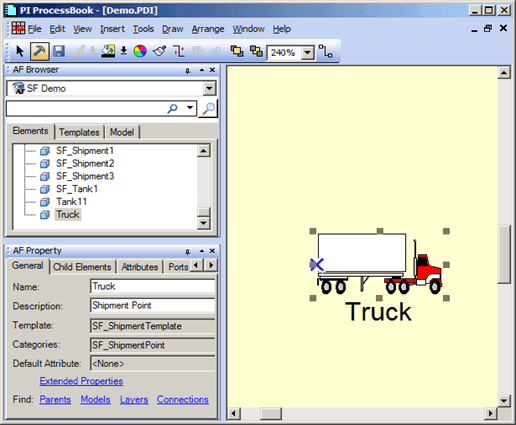
In 'Build' mode, the Element is selected, as shown in the following figure.
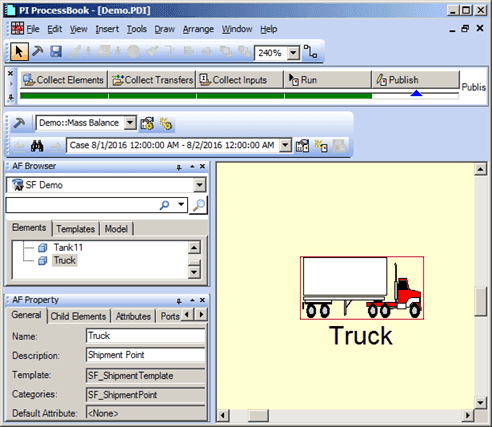
In 'Run' mode, a colored square identifies the element, as shown in the following figure.
Note: It is safer to operate in Run mode because it prevents elements to move and also avoids potential mistakes and disconnect elements.