Creating a New Display File
The Display file (.pdi file) is used to create a visual rendition of the Model stored in the AF/SF Database.
To create a new Display file:
Open PI ProcessBook.

Select File > New, as shown in the figure above.
A New window opens.

Select the ProcessBook Display (.pdi) File option.
In the Display Name box, type a name for the new Display file.
Click OK to save your selections and close the New window.
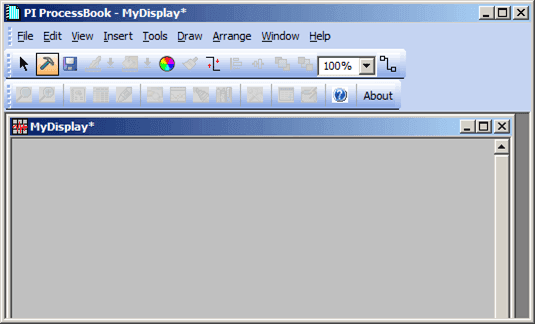
A blank pdi file, with the name you gave it, is created and displayed in the ProcessBook window (as shown in the following figure).