Tank Consistency Status Tab
The Tank Consistency Status Tab allows you to customize the state name for the 'TankConsistencyStatus' attribute.
To change the state name:
Click on the
 Settings button to open the Utility & Settings window.
Click on the Tank Consistency Status tab to display the tank consistency status configuration.
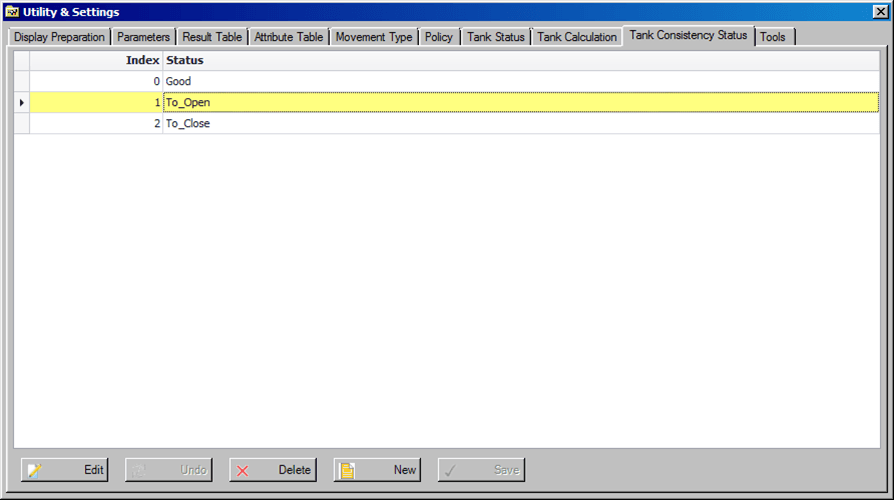
Click the Edit button to change the state name.
Click the Save button to save your changes.
If you do not want to save your changes, click the Undo button to discard them.