Apply Result Color to Symbols
In the SF-ADA Results window each attribute (column) can be colored according to its value. Each Element on the ProcessBook display can be colored according to the color of one of its attributes. More details regarding the color configuration can be found in the Configure Format Ranking \topic.
To apply a result color to a symbol:
In the ProcessBook display, click on a symbol to select it.
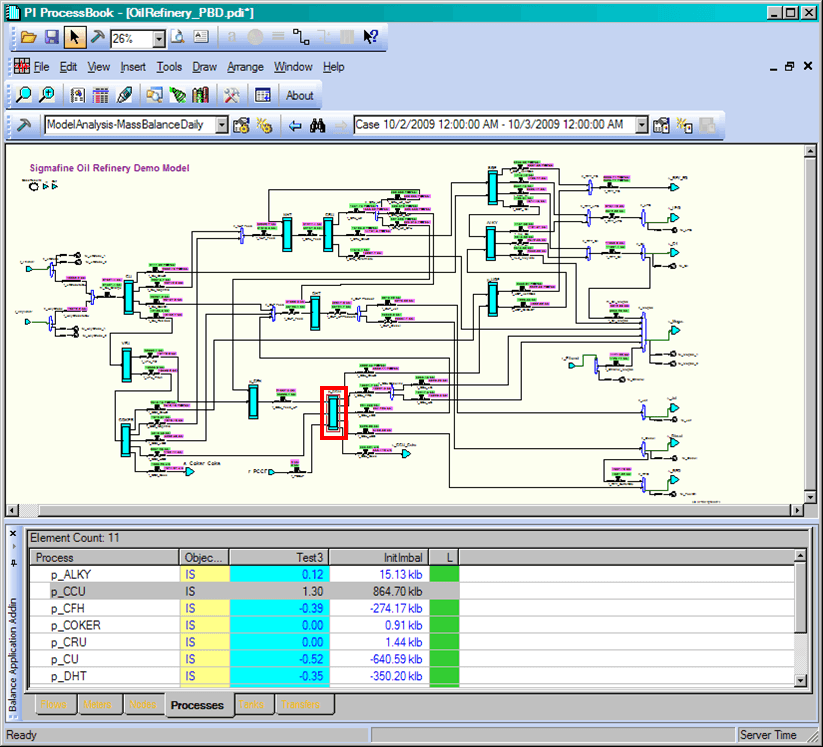
On the SF-ADA toolbar, click on the
 Apply Sigmafine Color to Symbols button.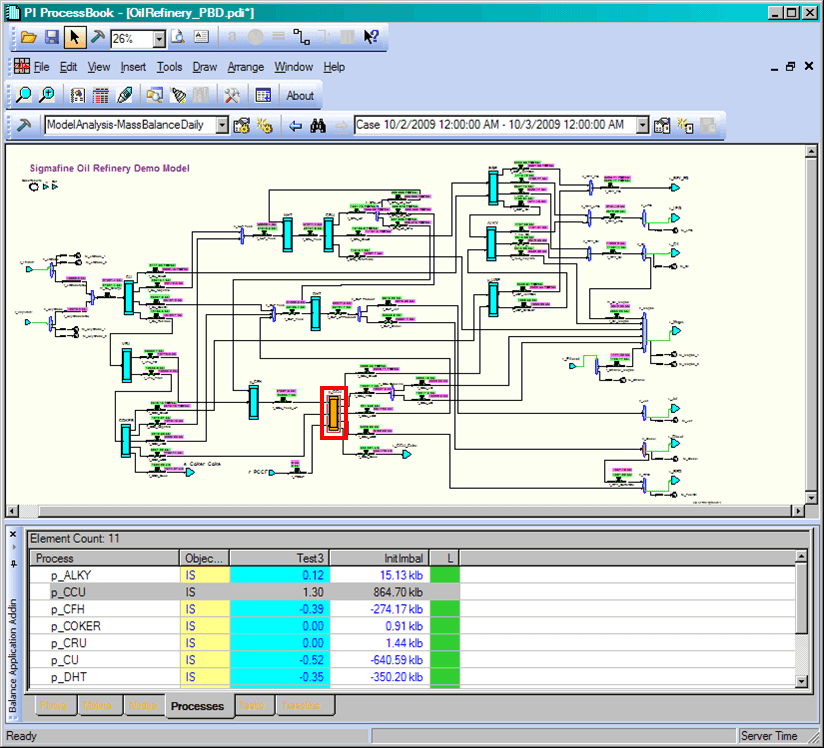
Available colors can be viewed by clicking the
 Configure Symbol Color Settings button. For further details on configuring the colors, see Configuring Result Colors.
(Optional) To return the symbol to its original color, click on the symbol again.