View Element Properties
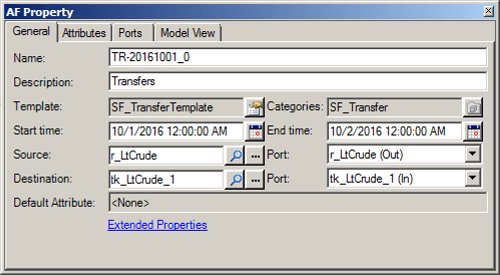
When the Result table is active, SF-ADA provides a feature that allows you to view an element's properties.
To view an Element's properties:
Right-click on the Element for which you want to view the properties.
Select Element Properties from the menu that appears.
The AF Property window opens displaying the specific properties for the selected element.