View Element Logged Data
When viewing the Results table, you have the option to view a log that contains the listing of all input, output and adjustment data logged for the selected element.
To view an element's logged data:
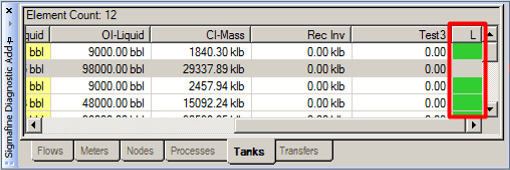
Click on the LOG cell of the Element for which you want to view the logged data.
The Details for Object: [selected Element name] window opens.
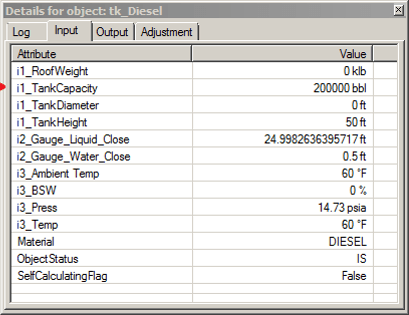
This window has four tabs that show the Log as well as the logged data of the inputs, outputs and adjustments for the selected element.
To view a specific set of logged attributes, click on the associated tab (Input, Output or Adjustment).
When finished viewing the details for the selected element (object), click the window Close button in the top right corner of the Details for Object window.