Edit a Transfer
When you have the Transfer Result window open and active, SF-ADA provides you with a feature that allows you to edit any existing transfer being displayed.
To edit an existing transfer:
Right-click on the transfer you want to edit.
The application automatically recognizes the associated template and activates the proper menu; the AF security rules are applied.

Select Manage Transfer > Edit Transfer from the menu that appears.
The AF Property window opens.
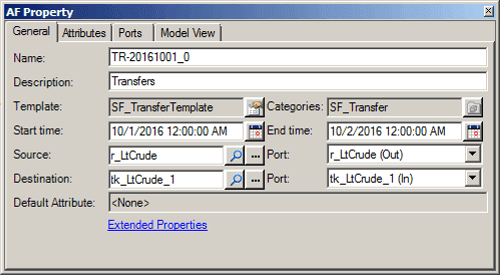
Click on each tab that is relative to the changes you need to make, and make the changes.