Delete a Display
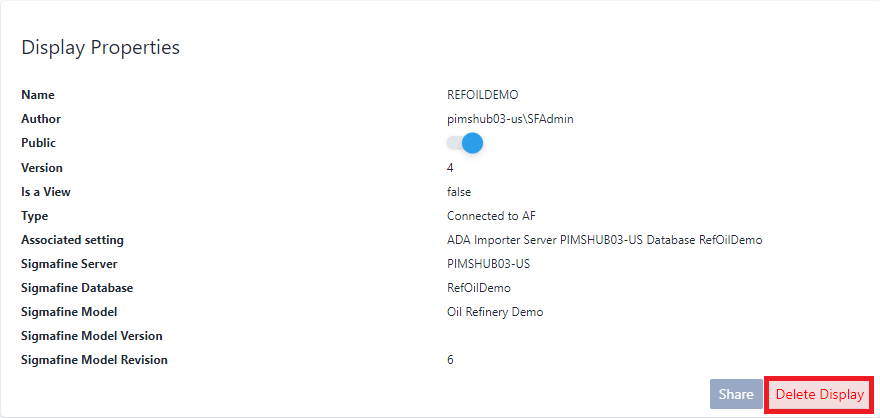
When you no longer need a display you can remove it from SFHub Visualizer by using the Delete Display feature in the display's Property panel.
For example; if the project to be deleted contains at least one SFHub Studio Report that is referenced by a Visualizer setting, your attempt to delete the project is refused. In this scenario, you have to remove the referenced Report in all the Visualizer settings, before the Project can be deleted.
If the project to be deleted has at least an Analytic that is referenced by a Report in another Project, your attempt to delete the project is refused. In this scenario, you have to remove the referenced Analytic in all the reports using it.
To delete a display:
Open the Display Properties panel for the display you want to delete and click the Delete Display button.
You are asked to confirm the deletion.
Deletion confirmation message

Click Confirm to confirm.
The display is removed from SFHub Visualizer.