Using the AF Browser Window
The AF Browser provides a tree view of all the components of a model, such as elements, templates, layers, etc.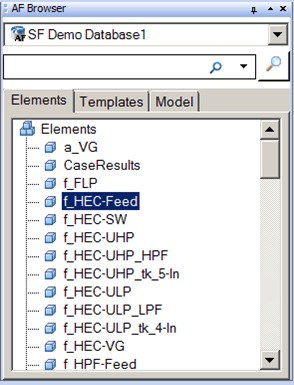
To use the AF Browser:
Drag objects from the AF Browser Elements, Templates or Model tab into a Model as you are building it.
OR
Right-click on an object in the AF Browser Elements, Templates or Model tab to add it to a model.
The AF Browser consists of the following three tabs, as well as a Search option: