AF Browser Model Tab
The Model tab contains all the various objects you define for a model. You can use the Models tab to browse through the Model components. For example: the elements that are part of the Model are seen in this tab. Also, the layers created in the Model are seen in this tab.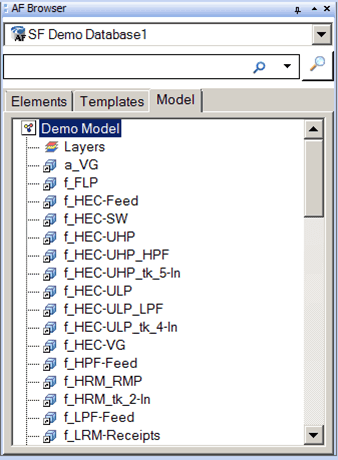
To create a new model:
Right-click on an Element in the Model tab and select New > New Model.
This creates a new Model.
Configure the new Model as needed.
The following figure shows the available options that appear when you right-click an Element in the Models tab.
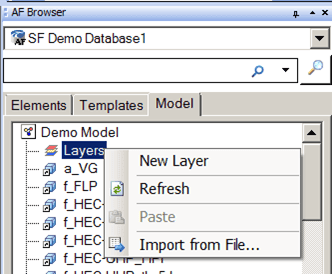
The following figure shows the available options that appear when you right-click Layers in the Models tab.