AF Browser Templates Tab
The Templates tab contains all the available templates that you configure for a model. The primary function of the Templates tab is to provide a location from which to create elements to a display.
To use a template:
Drag the template into a Model display.
This creates a new Element based on the selected template.
OR
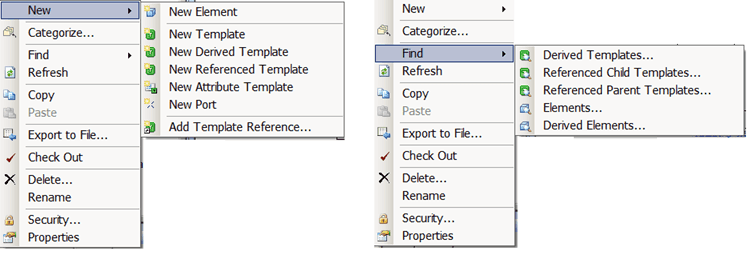
Right-click the template and select New > New Element.
The new Element appears in the Elements tab, where you can then drag it into the display.
To create a new template:
Right-click on a template and select New > New Template.
This creates a new template in the Templates list based on the template you right-clicked on.
Configure the new template as needed.
The following figure shows the available options that appear when you right-click a Template in the Templates tab.