Import a Record
TES allows you to import Transfer records from any Transfer Set Template that you have previously created.
To import one or more records from a Transfer Set Template:
Run the TES application.
From the menu select Tasks > Operator Task > Pumper Log.
An empty Pumper Log displays.
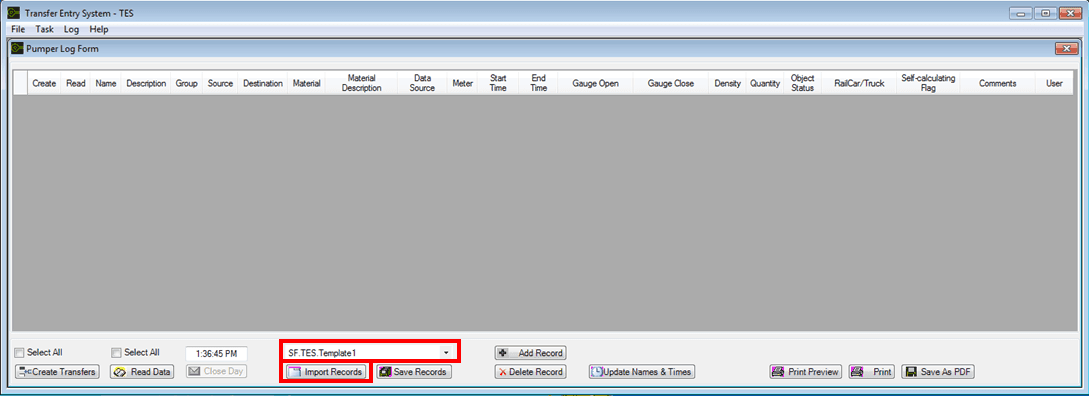
Click on the Transfer Set Template selection box down-arrow and select the template from which you want to import record(s).
Click the Import Records button.
The Pumper Log is populated with all the transfer records that had been saved to the Transfer Set Template you selected.
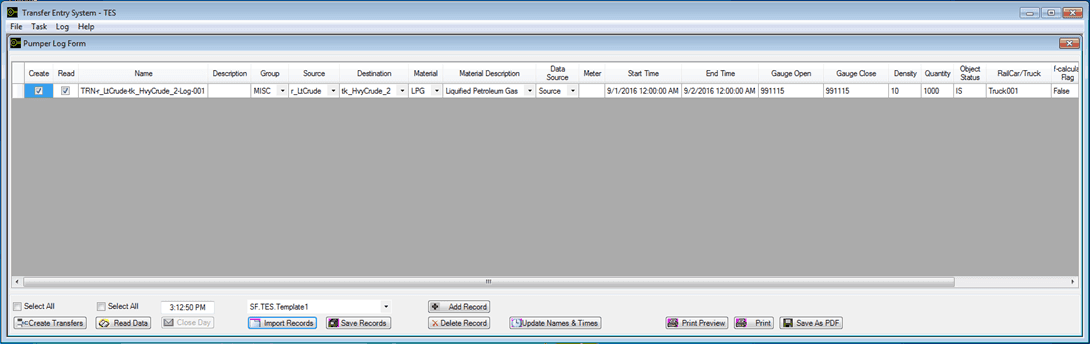
To make your changes to the records, click the Update Names & Times button.
The Update Pumper Log Columns window opens.

Check the checkboxes for the columns you want to update.
Checking the 'Start Time' and 'End Time' checkbox automatically opens a Calender from which you select the date and time.
In the Columns boxes, type or select the information you want to use for the transfers you want to create.
When finished making your changes, click OK to save them and close the window.
If there is nothing else you need to do in the Pumper Log, you are ready to create the Transfers. See Create the Transfers for further details.