Create the Transfers
When using the Pumper Log to create Transfers, those Transfers are not actually created until you run the Create Transfers process.
IMPORTANT: If you want to save Transfer records to a 'Transfer Set Template', you must do so prior to actually creating the Transfers. Once Transfers are created, all records are removed from the Pumper Log, and therefore, are no longer available to add to the Transfer Set Template.
To run the Create Transfers process:
- In the Pumper Log, ensure that the Create checkbox is checked for each Transfer you want created.
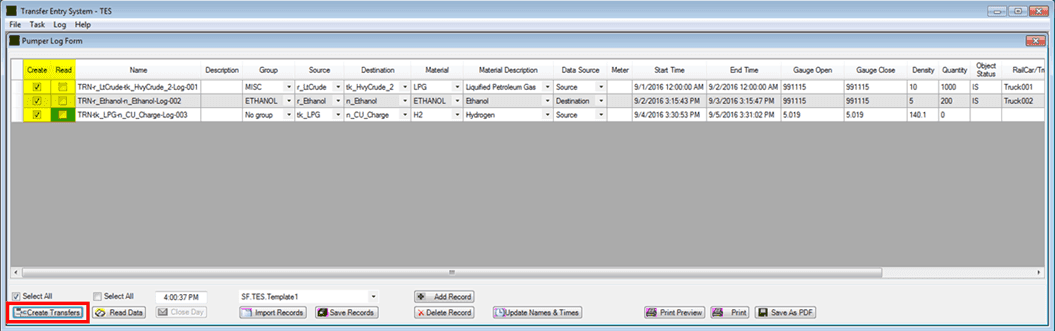
- Click the Create Transfers button to create the transfer(s).
Note: note: You can check that the Create Transfer process completed successfully by viewing the log. To view the log, please see the steps under View the TES Log.