Create Transfers: Pumper Log Form
Typically, the primary task of an Operator is to create one or more new transfers. This can be done either through the User Entry Form or the Pumper Log Form. The following instructions are for the Pumper Log Form. Steps for using the User Entry Form can be found under Create Transfers: User Entry Form.
To create a transfer using the Pumper's Log:
Log into the TES application.
Click on the Windows Start icon to display the list of installed applications.
Select Sigmafine > Sigmafine Transfer Entry System to open the Sigmafine Transfer Entry System.
The Transfer Entry System window opens.

From the menu select Tasks > Operator Task > Pumper Log.
The Pumper Log Form opens.
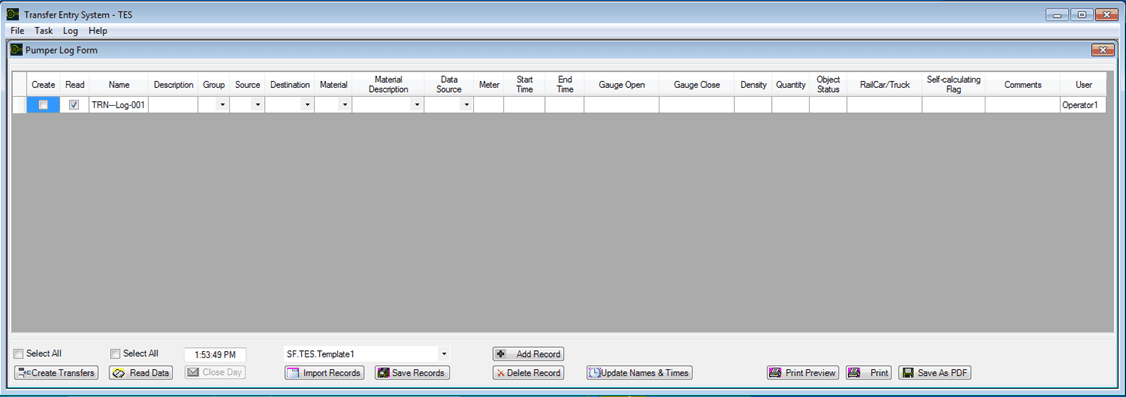
The options available in this form depend on how its presentation was configured by the TES Administrator.
For the remainder of your Transfer, please refer to the appropriate following section(s), based on what you need to do.
If you would like to save one or more sets of transfers to be used as a basis for creating new ones, follow the steps found under Save Records to Transfer Set Template.