Results Tab
Inputs collected, Adjustments created and outputs written during a Case analysis appear in the Results tab. From this window, you can also click a value and change it (make an adjustment) and re-analyze the case.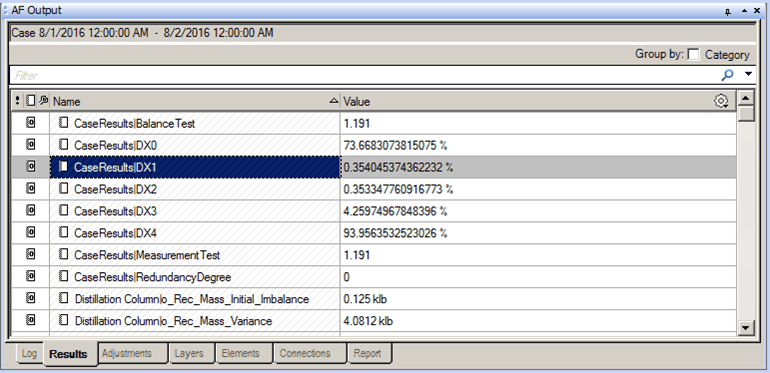
The following table provides descriptions for the columns found under the Results tab.
AF Output Window – Results tab
| Column | Description |
|---|---|
| Name | Read only.Displays the name of the element. |
| Value | Displays the element's value.To change the value, click on it and then type the new value. |