Log Tab
Messages generated by the Sigmafine Modeler, including a Case analysis, appear in the Log tab. When tasks like Collect Elements, Collect Transfers, Collect Inputs, Run etc., are performed, the Log tab displays in the form of Information, Warnings and Errors.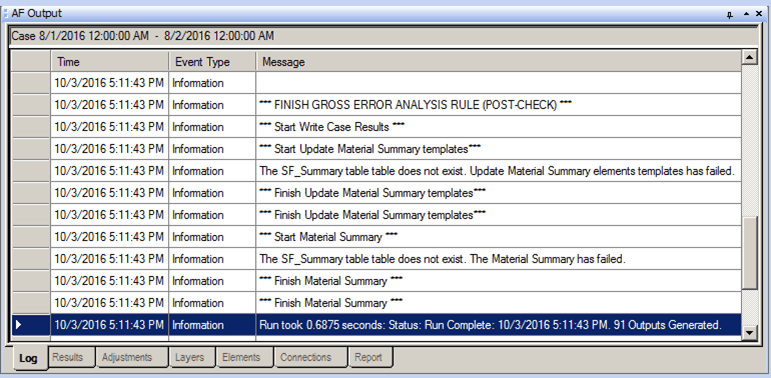
The following table provides descriptions for each of the columns found under the Log tab. Please note that all column data is Read Only - the data cannot be edited.
AF Output Window – Log tab
| Column | Description |
|---|---|
| Time | Displays the date and time the entry was logged. |
| Event Type | Displays the type of event that was logged. |
| Message | Displays any message relative to the event that was logged, providing there is an associated message. |