Using the IMM Configurator Application
An easier way to setup the IMM configuration parameters is using the IMM Configurator application, located in the bin directory of the IMM Server installation. This utility allows you to see the numerous parameters, grouped according to their purpose, and their editing assisted according to the type and scope. Inline help is available to understand the scope of each parameter.
Run IMM Configurator.exe.
The IMM Configurator window opens.
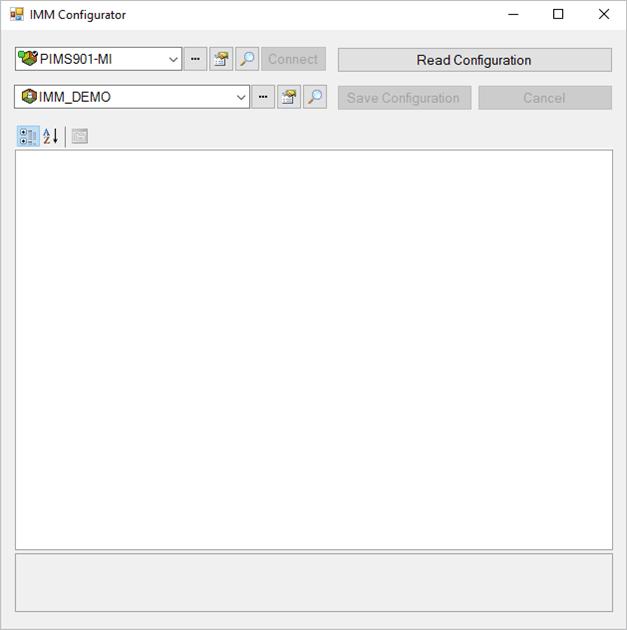
Select the PI System and the Sigmafine database where the IMM configuration table (
IMM_Params) is installed.Click the Read Configuration button.
The configuration parameters are loaded into the configuration window, as shown in the following figure.
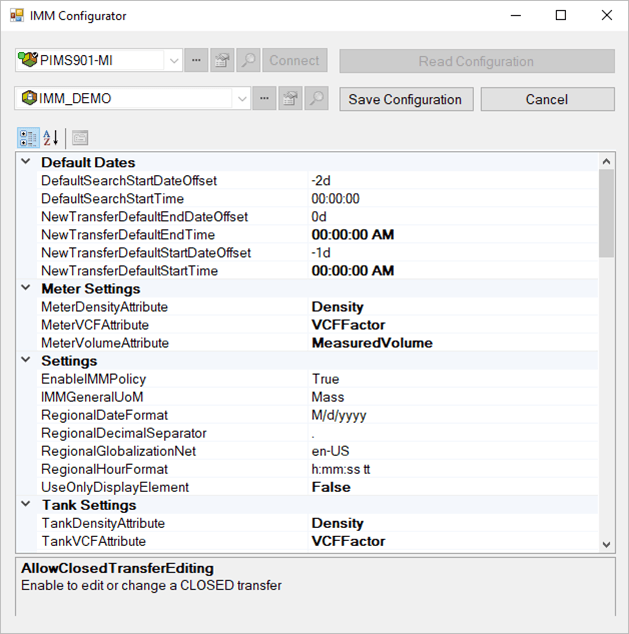
Change the required parameters.
Click on the Save Configuration button to save the data, or click the Cancel button to reject all the changes and/or to select a different PI System or Sigmafine database.