Search for a Project
SFHub Studio includes a Search feature that allows you to quickly find a project by searching on part or all of the project name.
To search for a project:
Open your Studio Projects dashboard, if you have not done so already.
To open, click
 Home in the command bar.
Studio Projects
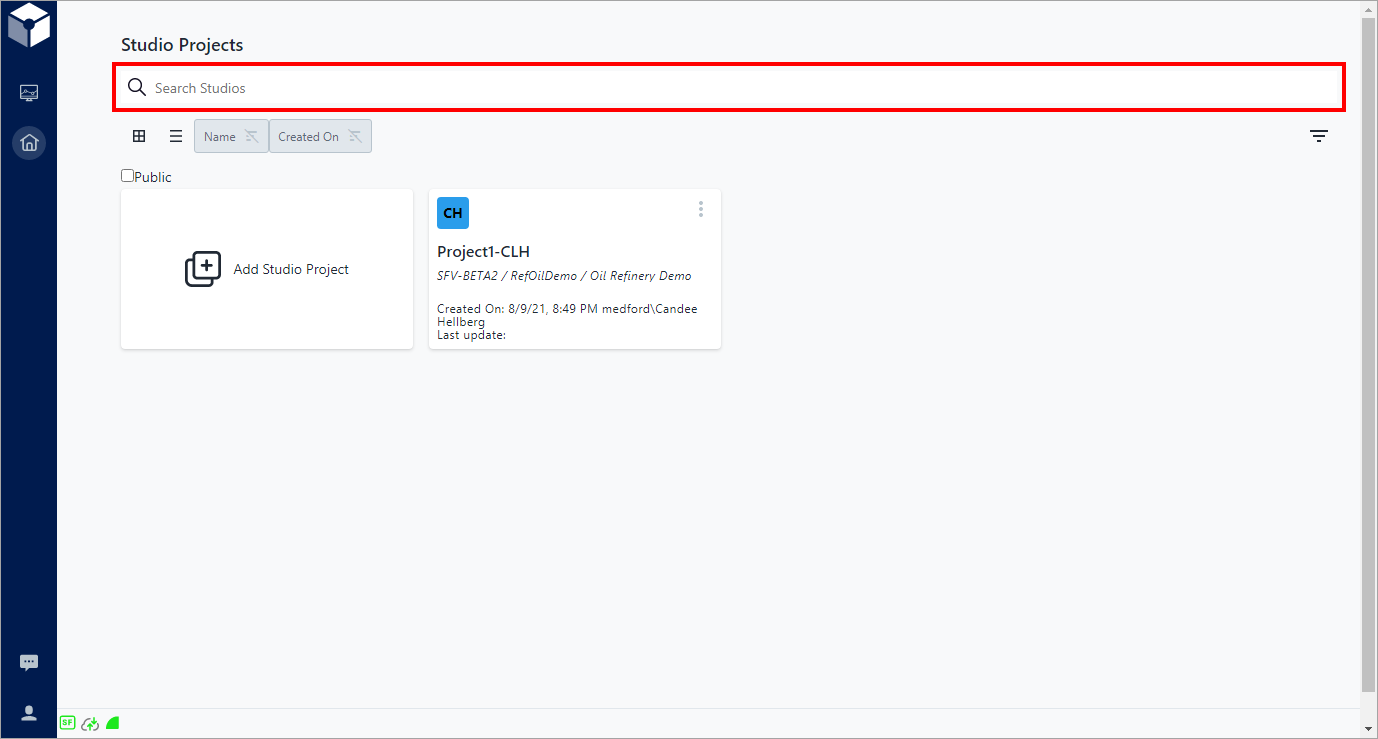
In the Search Studios box type either part of the project name, or the whole name.
Typing part of the project name results in the list showing all projects matching what you have typed, regardless of where the characters are located in each project name.
Typing the whole project name results in only that specific project showing in the project list.
(Optional) Click on the project to open it to its components dashboard.