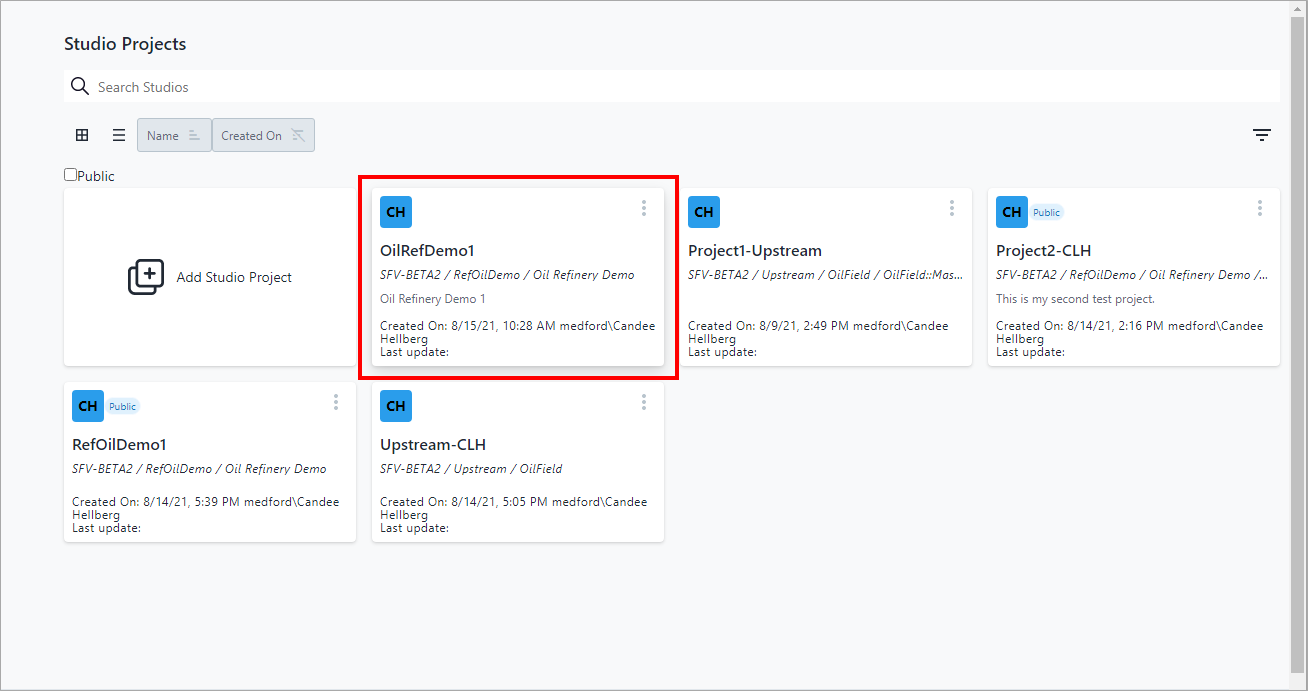
Rename a Project
Studio Projects provides the ability to change the project name and its description, from this point forward.
To rename a project:
Open your Studio Projects dashboard, if you have not done so already.
To open, click
 Home in the command bar.
Studio Projects - project ellipsis
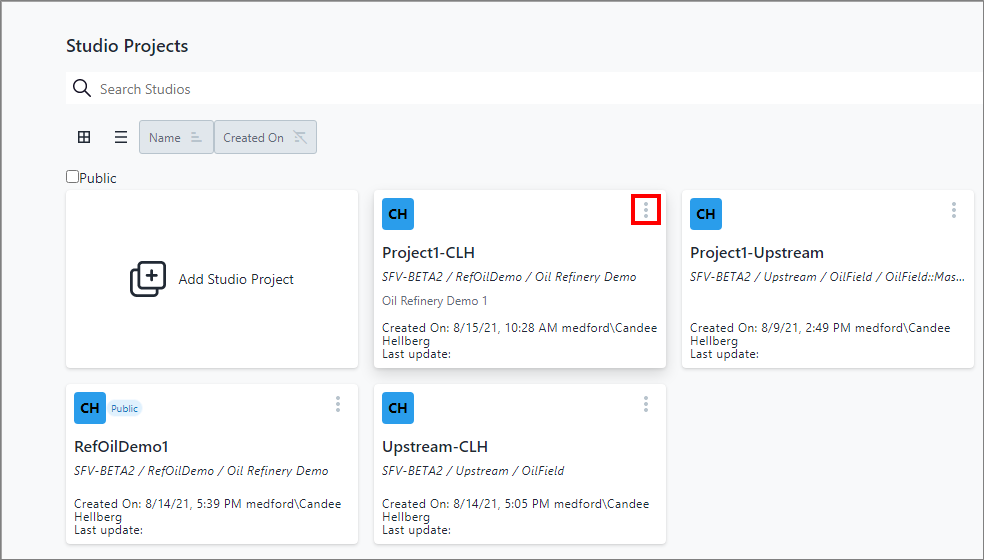
Click the
 vertical ellipsis in the top-right corner of the project block
(as shown in Figure 1) to display the Project quick menu (as shown
in Figure 2).
vertical ellipsis in the top-right corner of the project block
(as shown in Figure 1) to display the Project quick menu (as shown
in Figure 2).Project quick menu - select Rename
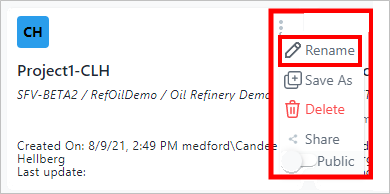
Click Rename on the quick menu.
A Rename panel opens.
Rename panel

In the Name box, type in the new name.
(Optional) In the Description box, type a description or change the current one.
Click Save.
Your changes are saved and now visible on your Studio Projects dashboard, as shown in the following example.
Edited project on Studio Project dashboard