Open an Existing Project
If you have created projects, or other users have shared their projects with you, then there are existing projects to choose from when you log into SFHub Studio.
To open an existing project:
Open your Studio Projects dashboard, if you have not done so already.
To open, click
 Home in the command bar.
Studio Projects
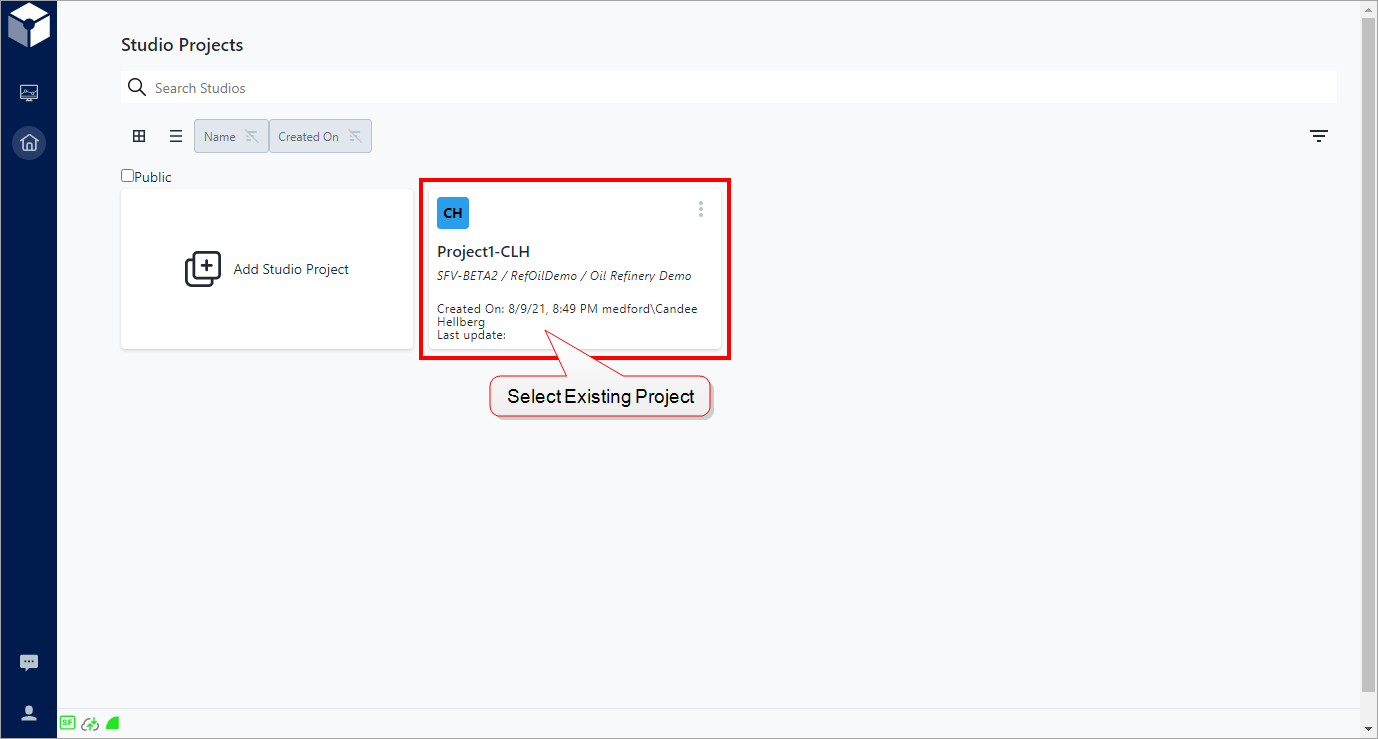
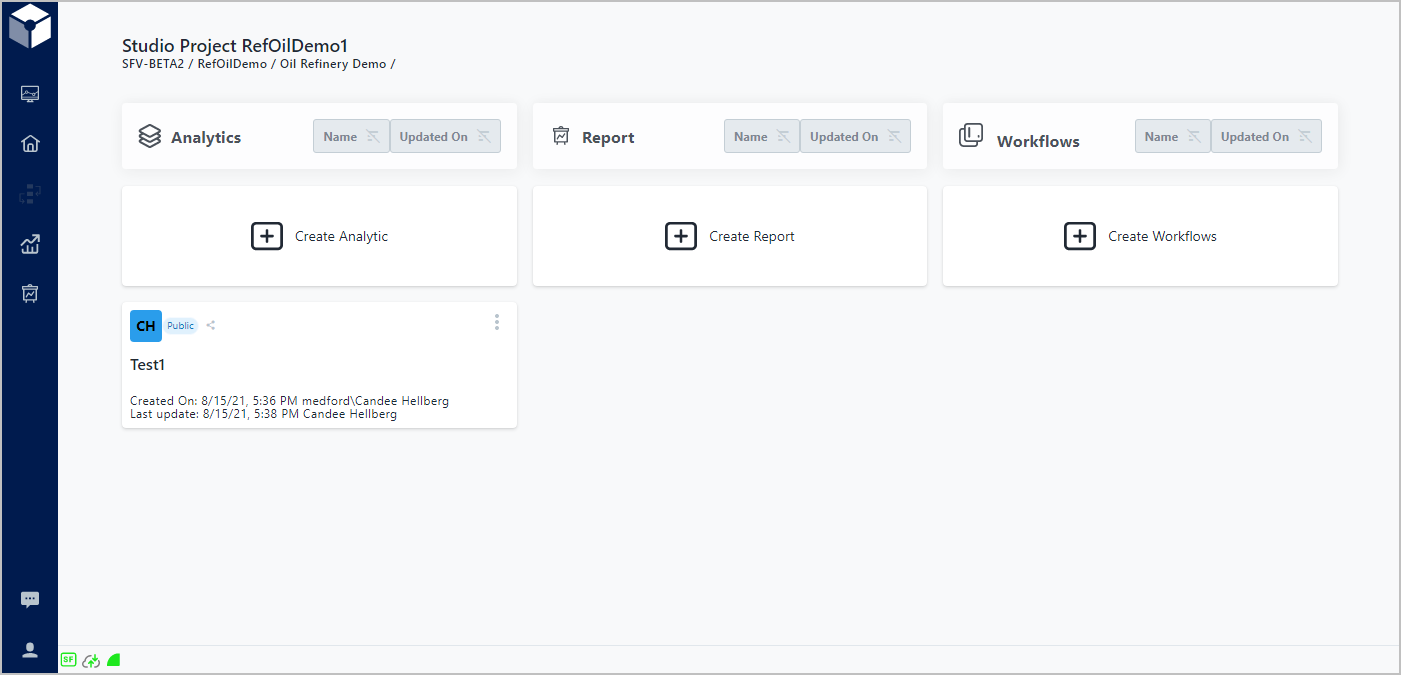
Click on the project block you want to work with, to open its Analytics, Reports and Workflows components dashboard.
Project Components dashboard