Case Runner Run Options
You can choose to run each step separately and view the log and results tabs to see the results at each step of the analysis, or you can configure it to run automatically by using a combination of the checkboxes. Both methods are described under Using Case Runner.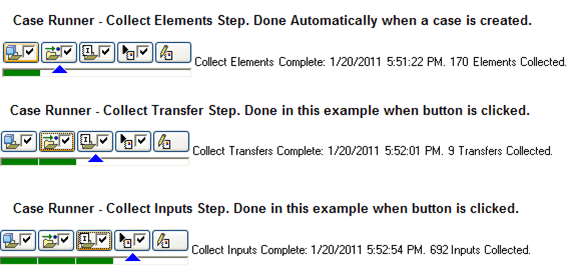
- If Case Runner is not visible, on the ProcessBook Modeler main menu select View > Case Runner.
- If the Case Runner checkboxes are not visible, see Configuring Case Runner to customize the buttons.