Transfer Properties - Model View Tab
Use the Model View tab to view the connections of the element. These connections could be Source, Destination.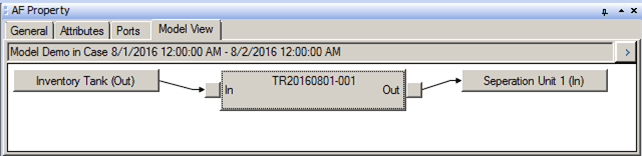
Clicking on the In/Out buttons opens the Make Connection window where a new connection could be created. If a transfer already has a connection at the In/Out port, then the connection has to be deleted before a new connection can be created (since maximum connections for transfer In/Out is 1 each).