Starting the IF Service
To start the Integration Framework (IF) service:
Open your Windows Task Manager as an Administrator.
Navigate to Services.
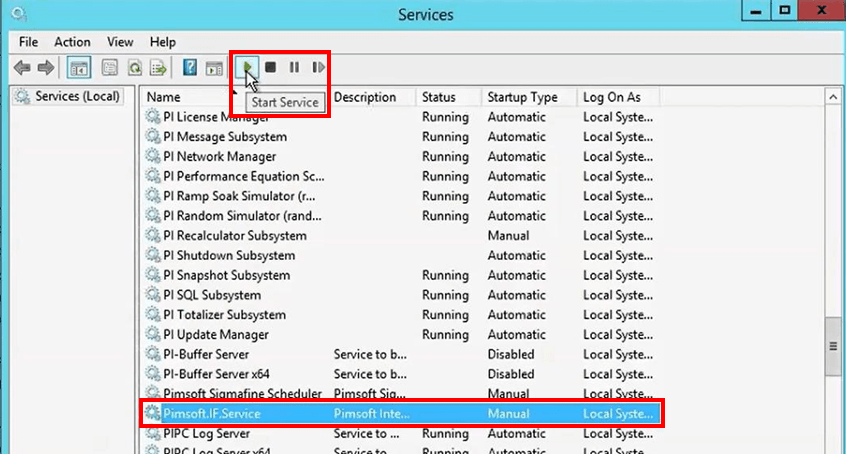
Locate and select
Pimsoft.IF.Servicein the list of services.Click the Start Service button.
Close the Task Manager.
Using Windows Explorer, open the IF installation folder (default is
C:\Pimsoft\IF).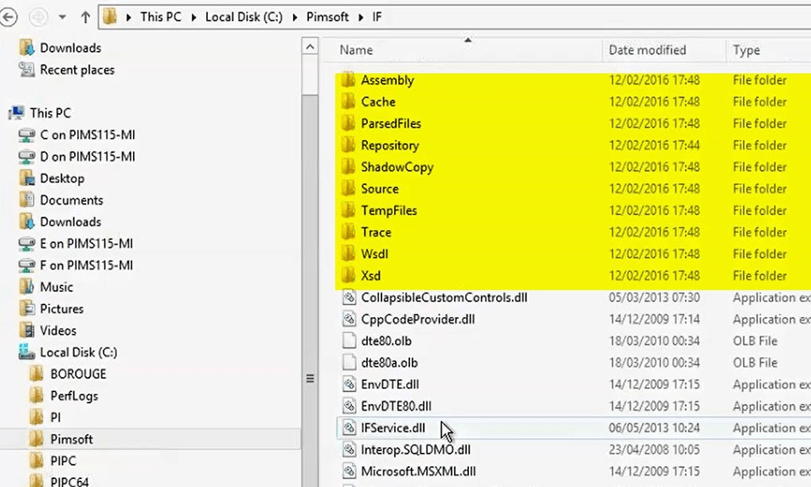
Ensure that the IF folders and files (as shown in Figure 1461) have been created.
Open the Trace folder.

Right-click on the IF_ServiceLog file and open it in Notepad.
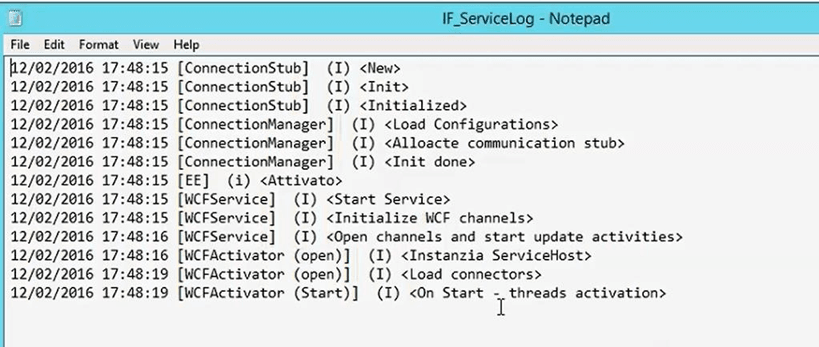
Check the file for any errors.
If no errors are found, it indicates that the IF Server is installed and working properly.
You are ready to start the Client installation.