Check Login Credentials
The Login tab in the SFHub Connection and Credentials Checks window allows you to test the login of the domain user assigned to the IIS Application Pool for the SFHub site.
To check the domain user login credentials:
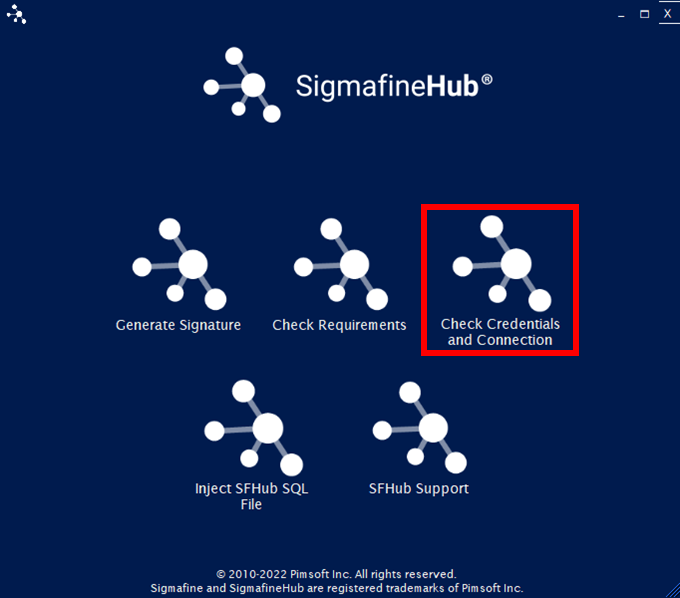
Click the Check Credentials and Connection option in the main window.
SFHub Utility App - select Check Credentials and Connection
The SFHub Connection and Credentials Checks window opens to the Login tab.
SFHub Connection and Credentials Checks - Login tab
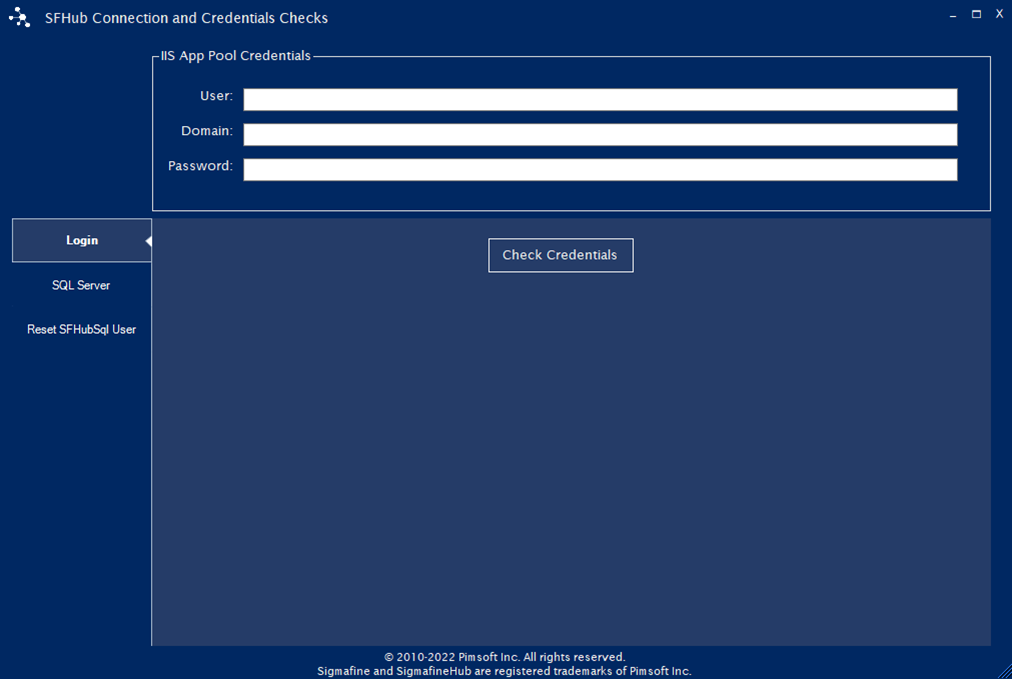
In the User box, type the name of the domain user assigned to the IIS Application Pool for SFHub.
In the Domain box, type the name of the domain that the domain user connects to.
In the Password box, type the password the domain user credentials use to connect to the domain you've entered.
Click the Check Credentials button.
The Utility app checks the credentials and when finished, displays the results.