SFHub Support
The SFHub Support application is only used under the supervision of a Pimsoft agent through a service token.
To run the SFHub Support application:
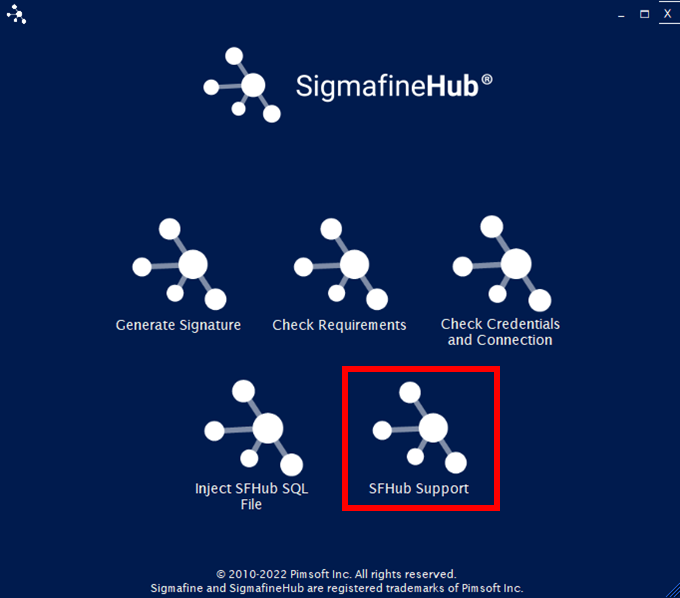
Click on the SFHub Support option in the main window.
SFHub Utility App - select SFHub Support option
The Access Form window opens.
SFHub Support - Access Form window

Since most of the SFHub support functionalities require the SFHub SQL server database, you are required to enter the details about the SFHub SQL Server instance, then insert the service token provided by the Pimsoft agent and in the end press the OK button.
In the SQL server box, type the instance name of the SQL Server.
In the SQL Catalog box, type the SFHub catalog (usually SFHub).
In the Service Token box, type the service token that was provided by the Pimsoft agent.
Click OK.
From this point forward, the Pimsoft agent will advise you on what to do.