Main Window
The SigmafineHub™ Utility Application includes an interactive, user friendly graphic user interface.
Once the application is executed, the main window displays.
SigmafineHub Utility Application - Main window
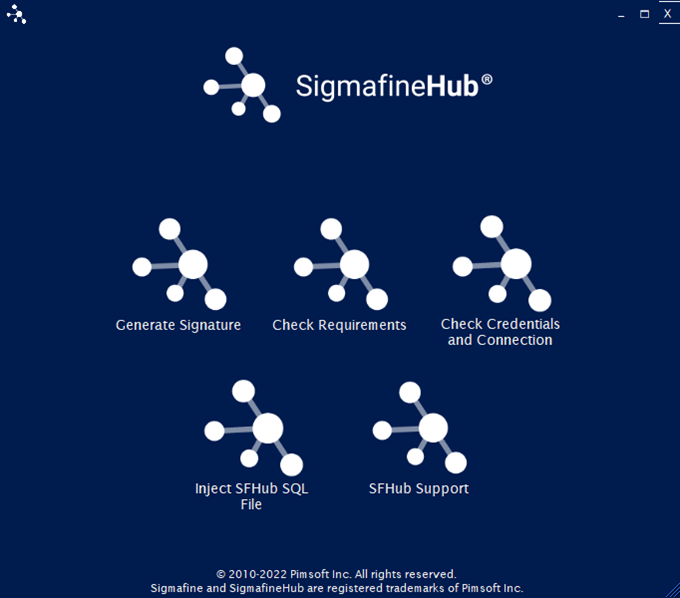
There are five interactive options; one for each available functionality:
Generate Signature -- Opens the window for generating the machine signature file. (See Signature File Generation)
Check Requirements -- Allows you to export the SFHub Requirements Report file. (See Application Requirements)
Check Credentials and Connection -- Opens a new window allowing you to perform tests on SFHub credentials and the SQL Server connection. (See Check Credentials and Connection)
Inject SFHub SQL File -- Opens a new window allowing the user to inject Pimsoft signed SQL files into SFHub database. (See Inject SFHub SQL File)
SFHub Support -- Opens a new application with different support and maintenance functionality. (See SFHub Support)
The SFHub Support application is only accessible by a Pimsoft agent using a key token that is valid for only a specific amount of time.