Manage your own User Preference
You can configure your own user preferences to override the inherited ones that were defined by the SFHub Administrator.
On the SFHub Visualizer Settings page, in the User Preferences panel, you can customize your own user preference settings that you can use to override the settings defined by the SFHub Administrator.
At the bottom left corner, click on the
 User icon, as shown in the
following figure.
User icon, as shown in the
following figure.User Settings - Settings option
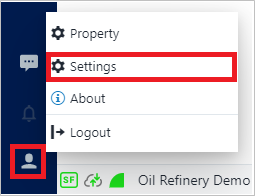 ]
]Select the Settings option, to open the Settings panel.
Open the User Prererences panel
User Preferences panel
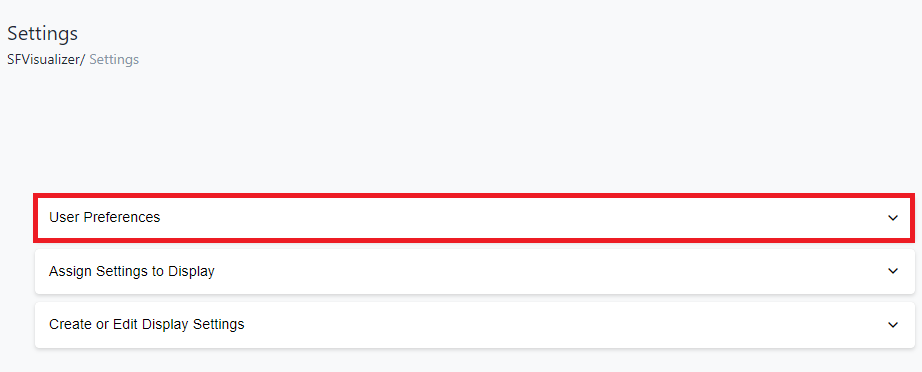
For more details on working with User Preferences settings, please see the following sectionstopics.