Show Transfer Details
To show the details for a transfer:
- In the Transfer dockable window, select the transfer for which you want details.
- On the Transfer dockable window toolbar, click on the Show Details button.
OR
- Right-click on the transfer you want to see the details for and select Transfer Action > Show Detail.
The transfer Cases are shown with information on the calculated quantity, as shown in the following figure.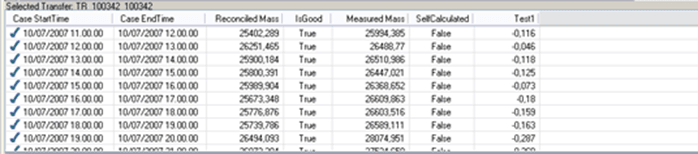
If you wish to hide the details pane, click on the Hide Details button in the Transfer dockable window toolbar.