Exporting a Transfer or Tank List to a CSV File
To export a Transfer or Tank list to a CSV file:
Open the Transfer dockable window
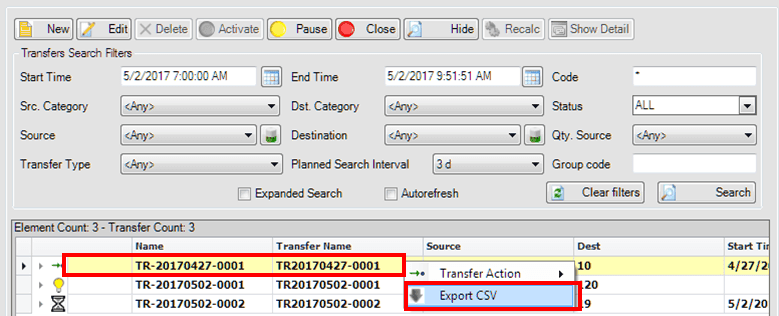
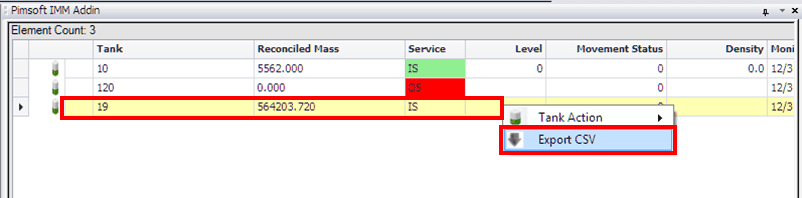
Right-click on a row in the Element list and select Export CSV, as shown in Figure 1611 for Transfer lists and Figure 1612 for Tank lists.
A window opens allowing you to choose the directory (folder) in which to save the .csv file, and the name for the file.
Select the directory, provide a name for the .csv file, and save it.
 EXAMPLE: Export a Transfer list to a .csv file