Tank Trend
The Tank Trend feature shows a run-time trend in ProcessBook, displayed with a set of Attributes bounded to tags and related to the tank selected in the table. The information in the Tank Trend window is configurable.
To modify the tank trend information:
Open the Tank dockable window.
From the IMM Toolbar, click on the
 Tank button to open the Tank dockable window.
Select the tank for which you want to change the trend.
Do one of the following:
From the IMM Toolbar, click on the
 Trend button.
OR
Right-click on the tank for which you want to change the service material, and select Tank Action > Tank Trend.
The Tank Trend Details display.
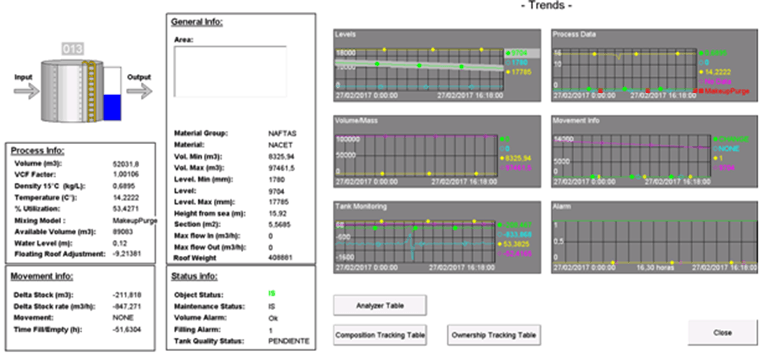
To close the Tank Trend details, either click the Close button, or click the
Trend button (in the IMM toolbar) again.The 'Trend' button works as a toggle between opening and closing the display of the tank trends.