Show the Tank Table
The Tank Table shows the information for tank attributes. The information it provides is completely configurable in the AF table labeled 'IMM_TableConfig'. Note that someone with administrator privileges can use the ‘Utility and Settings’ function on the ‘Result Table’ to change the columns of the tank table summary.
To view (show) the tank table:
From the IMM Toolbar, click on the tank button, as shown in the following figure.

The Tank dockable window opens.
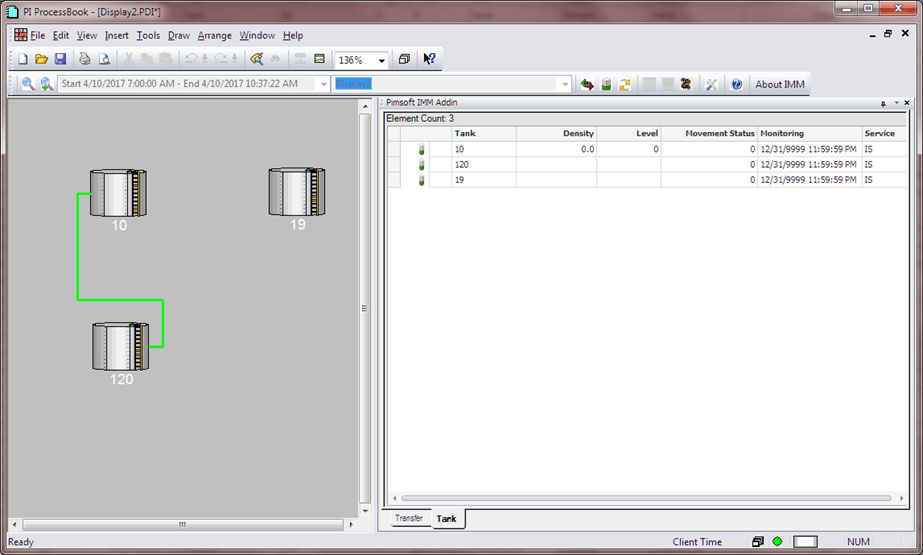
In the table on the right, the icon preceding the tank name indicates whether the tank is involved in a transfer or not, and if the transfer moves FROM the tank or TO the tank. the following table provides the means for each of the possible icons.
Tank Icon Representations
Icon Representation The tank is the destination of a transfer at the end time of the selected period. The tank is the source of a transfer at the end time of the selected period. The tank is involved in Input and Output Transfers. The tank is not involved in any transfer at the end time of the selected period.