Refreshing the Database
The Refresh Database option is used to ensure that any changes made in other applications are also made available to the Excel Add-In.
To refresh a database:
In Excel, open the spreadsheet you which you want to run.
From the SF tab Tools section, select Refresh Database.

The Select window opens.
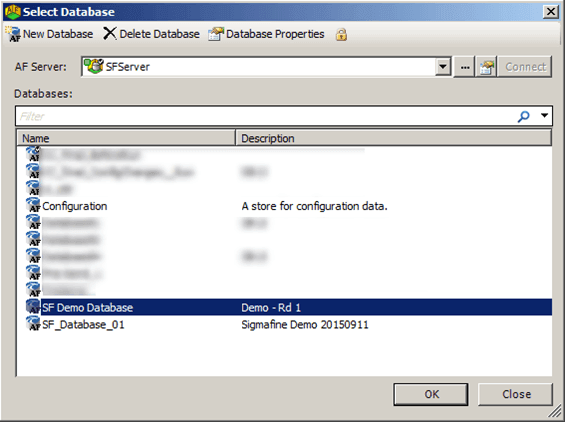
In the list of databases that appears, click on the database you want to refresh.
Click the OK button to execute the refresh.