Creating an Empty Data Table
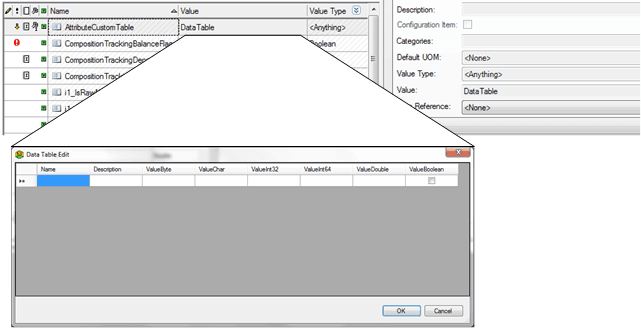
Data tables can be loaded without data in order to create only the table definition in the destination Element attribute. This option will enable the user to manually initialize the table content through the default Data Table edit utility available from PI System Explorer.
For example, suppose that you have an Attribute having Value Type = \<Anything> designed to host a custom data table and the Data reference editor plug-in is not available to enable the editing.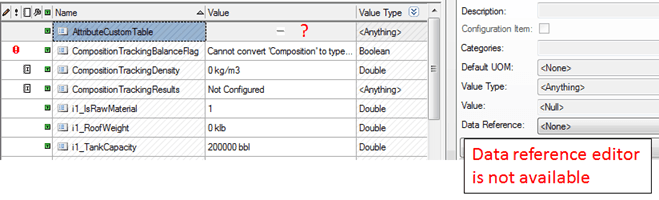
You can create the initialization spreadsheet containing the data table definition according to your required format, leaving the data cells empty.
The results from importing the above table would look like the following in System Explorer