Modify a Report
A Report can be modified by selecting it from a project's Studio Project dashboard. Once chosen from that dashboard, the report is opened in the Report Web Editor panel.
To modify a report's information and layout:
Open your Studio Projects dashboard, if you have not done so already. To open, click
 Home in the command bar.
Studio Projects - select project
Home in the command bar.
Studio Projects - select project
Studio Projects - Select Project
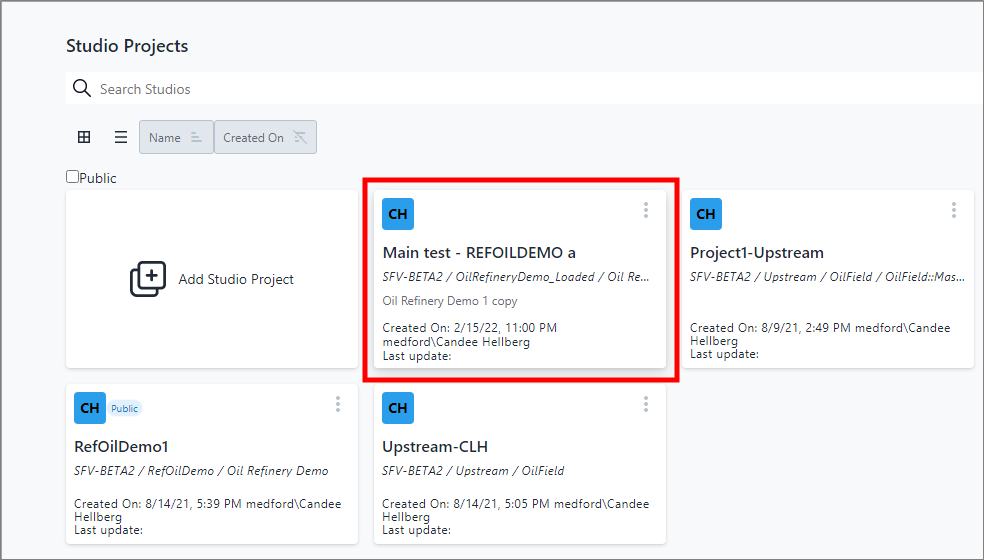
Click on the project that contains the report you want to modify, as shown in . The Studio Project [name of selected project] dashboard opens. Studio Project [project name] dashboard opens
Studio Project [project name] Dashboard
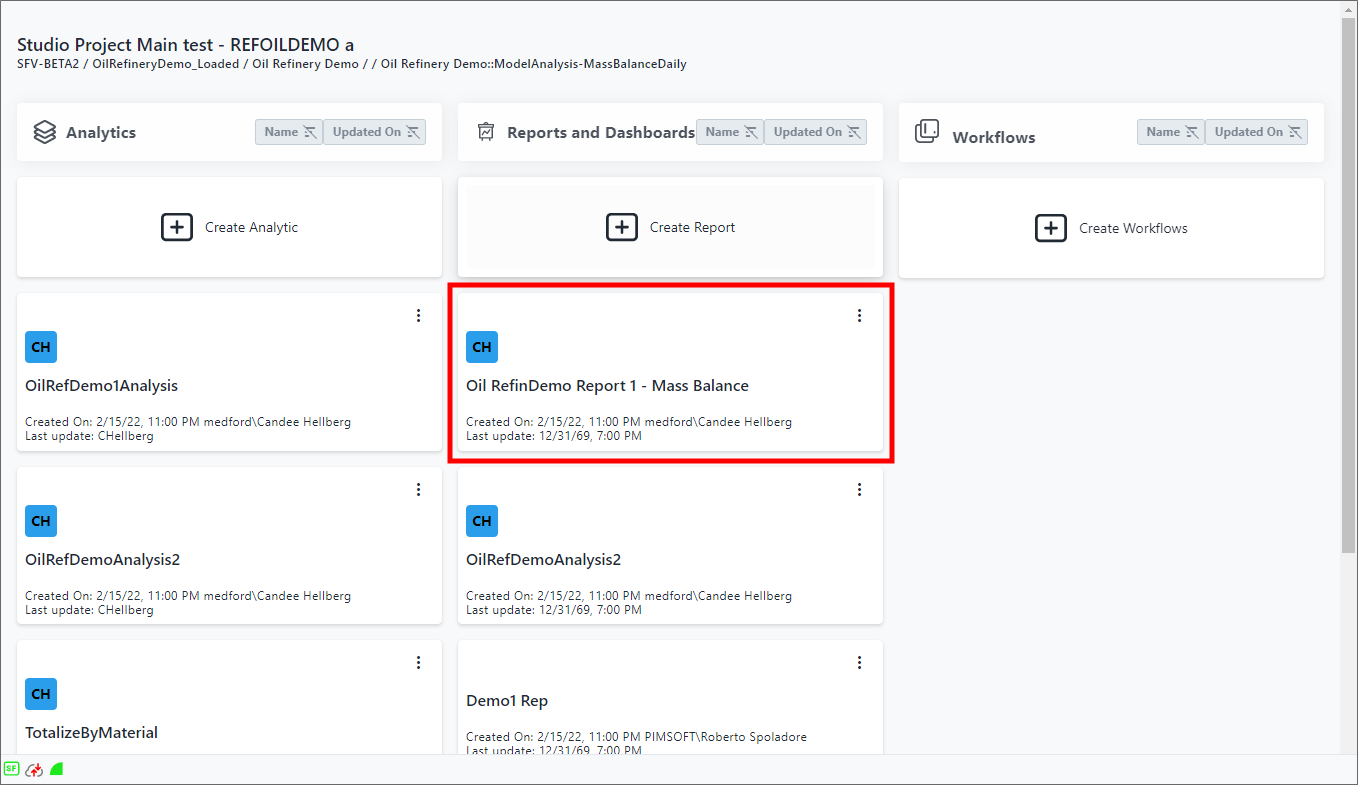
Under the Reports and Dashboards column, click on the report you want to edit, as shown in Figure 378. The report opens in the Report Web Editor panel. Report opened in Report Web Editor panel
Report Opened In Report Web Editor Panel
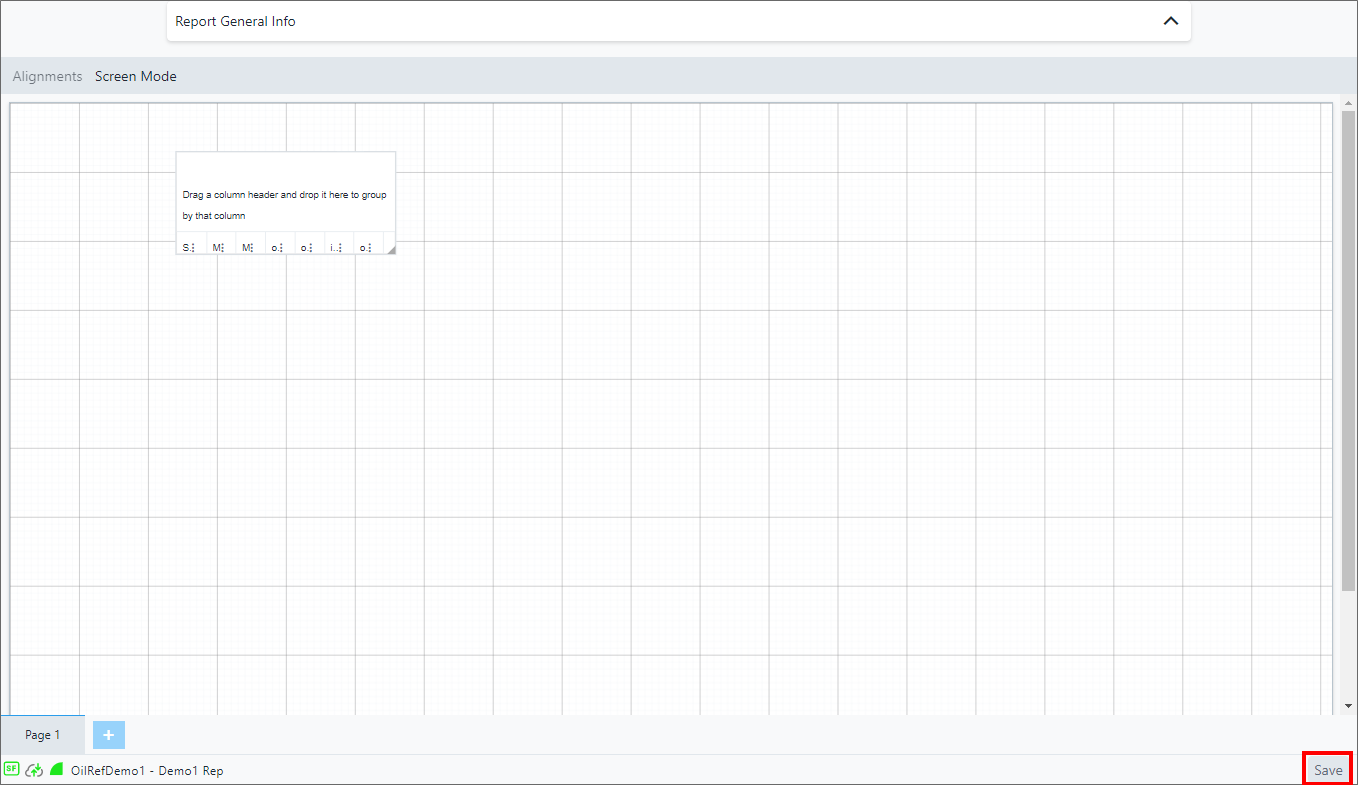
Make your changes to the information and/or layout of the report. For specific details on how to work with the Report Web Editor, see the Report Web Editor sectionstopics. Report opened in Report Web Editor panel
Report Opened In Report Web Eitor Panel
When finished, click Save in the Report Web Editor panel, to save your changes.