PI Tag Creation
In this \topic, we will demonstrate the PI Tag Creation using two PI Tags; a 'Digital State Tag' and a 'Non-Digital Sate Tag'.
For the first Pi Tag name, we are using 'RunHours' (as shown in the following figure).
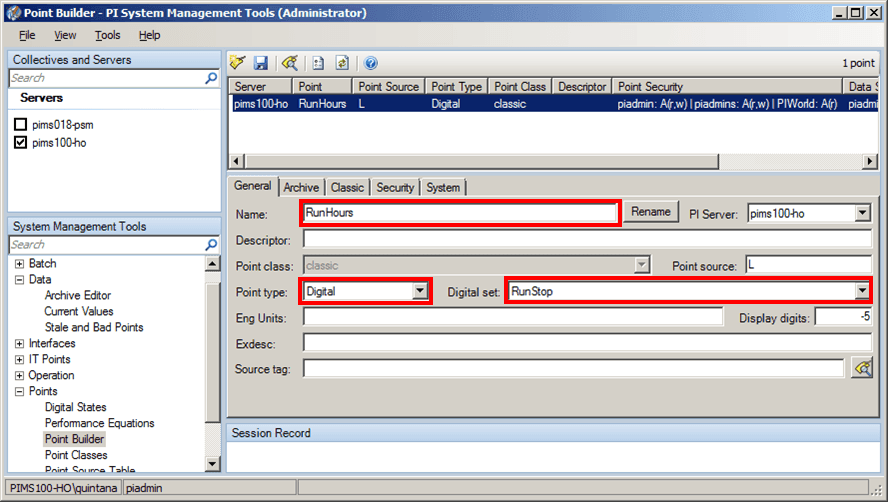
For Point Type, we selected 'Digital'.
For Digital set we selected 'RunStop'.
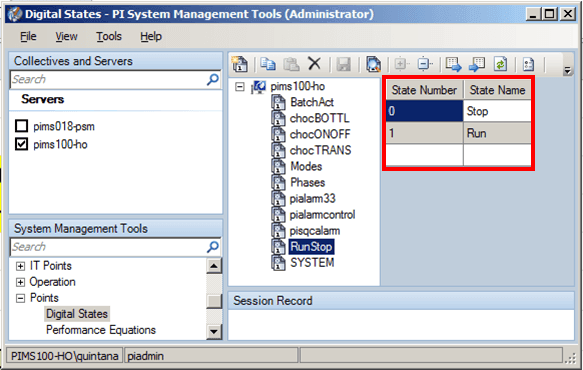
The 'RunStop' digital state has State Number (0,1) and State Name (Stop, Run) as show in the following figure.
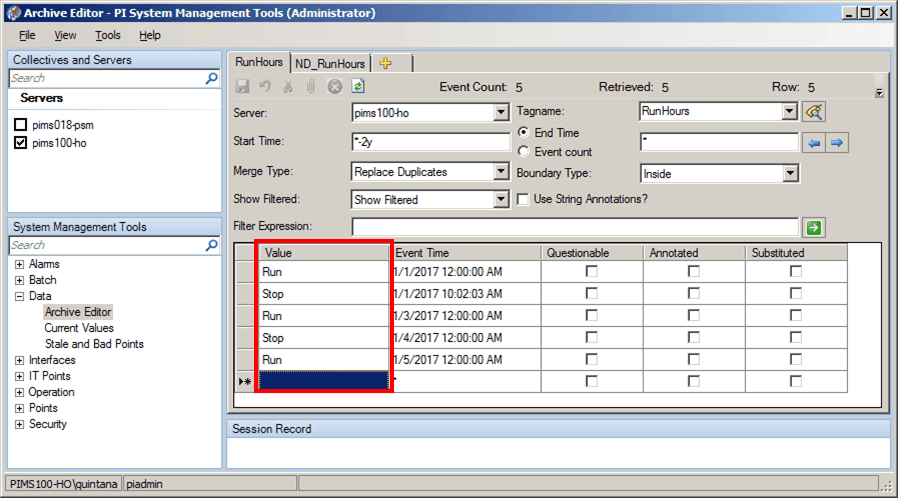
The Values in the 'RunHours' PI Tag are depicted in the following figure.
For the second PI Tag name we’re using 'ND_RunHours'.
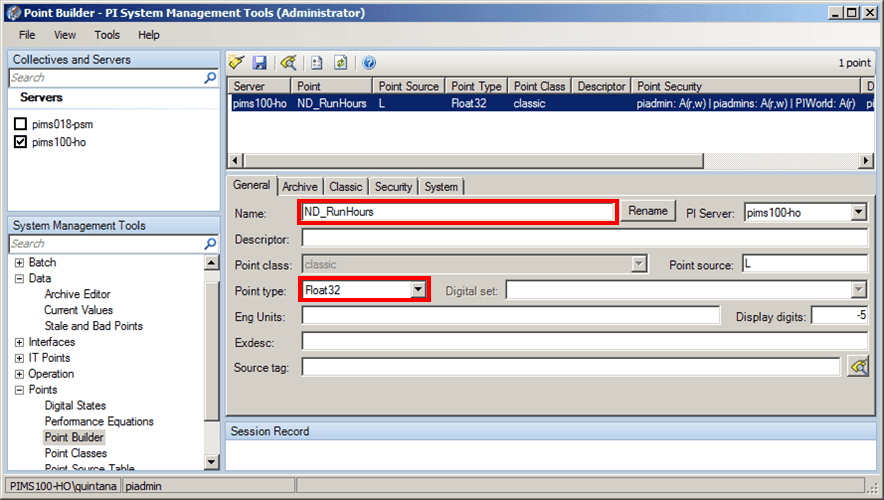
We defined the Point type as 'Float32' (as shown in the figure above).
The Values in the 'ND_RunHours' PI Tag are as shown in the following figure.
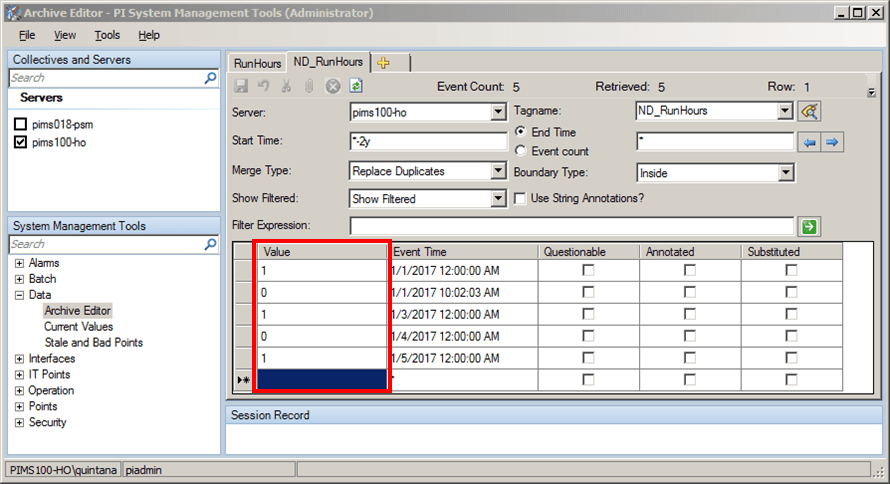
Both the 'RunHours' and 'ND_RunHours' have the save data, so we expect the save results.