Post-Setup Configuration
Following are the steps to perform if using the optional post-setup configuration for the target machine.
Go to the PI-ProcessBook installation directory
C:\Program Files\PIPC\ProcBook.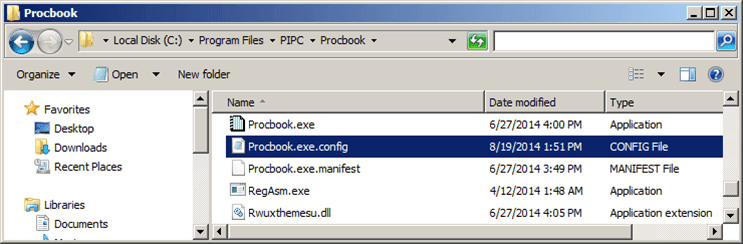
Locate the
ProcBook.exe.Configfile.This is the configuration the application uses when it launches.
Make a backup copy of the
ProcBook.exe.Configfile (in case of errors or mistyping) using a different name.Right-click on the
ProcBook.exe.Configfile and open it with Notepad.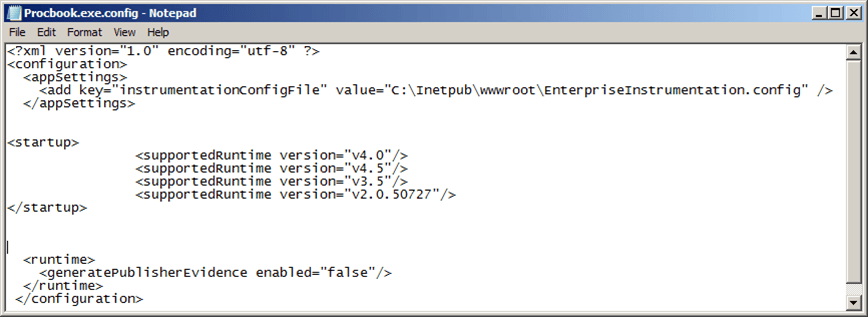
The file already has some default entries, these should not be changed
Insert the following initialization parameters for the Result window, between the
\<appSettings\>and\</appSettings\>tags, as shown in the following figure.
\<add key="ResultTablePosition" value="top"/\>\<add key="ResultTableHeight" value="200"/\>\<add key="ResultTableWidth" value="200"/\>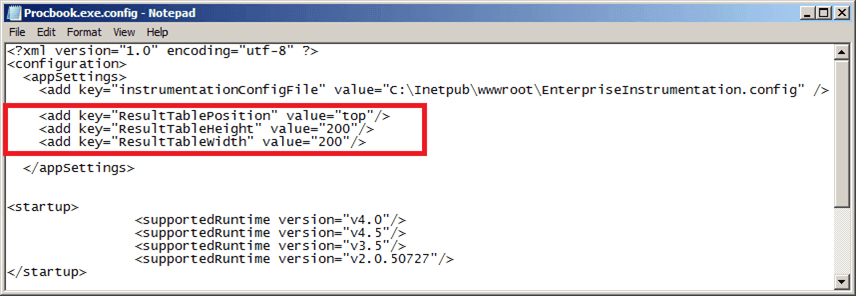
Save and close the edited file.
The next time the application opens, the SF-ADA results window opens using the new configuration.
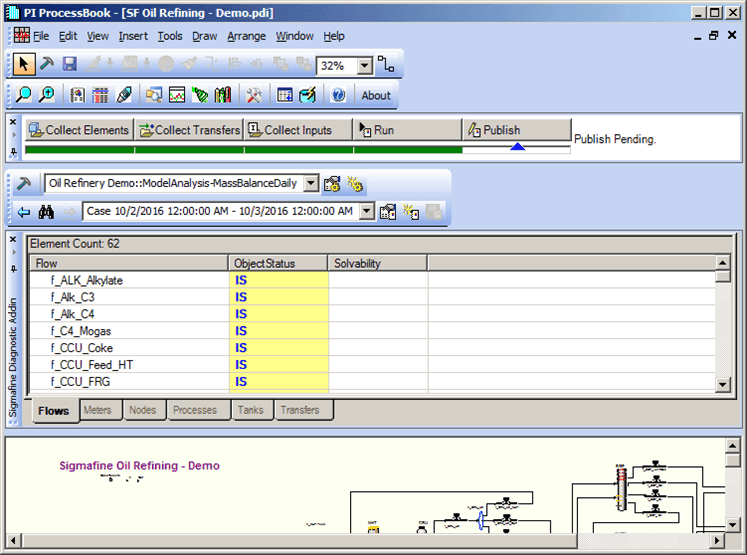
 EXAMPLE: SF-ADA Results window